
Shopping list
Every shop is a list. Items are grouped by shop and, inside a shop, by category in the order you walk through it.
Sources
Section titled “Sources”- Home Assistant to-do lists (default). Every shop is a
todo.*entity, for example from the Local To-do integration. The same list works in the Home Assistant app and with voice assistants. As a Home Assistant App, Hauser can create a list for you. - Notion (optional). A shared page where shops are headings and items are checkboxes. See Notion.
Settings
Section titled “Settings”Settings → Content → Shopping list:
- Manage shops adds shops and binds them to lists.
- Category order sets the route through the products per shop.
On the panel
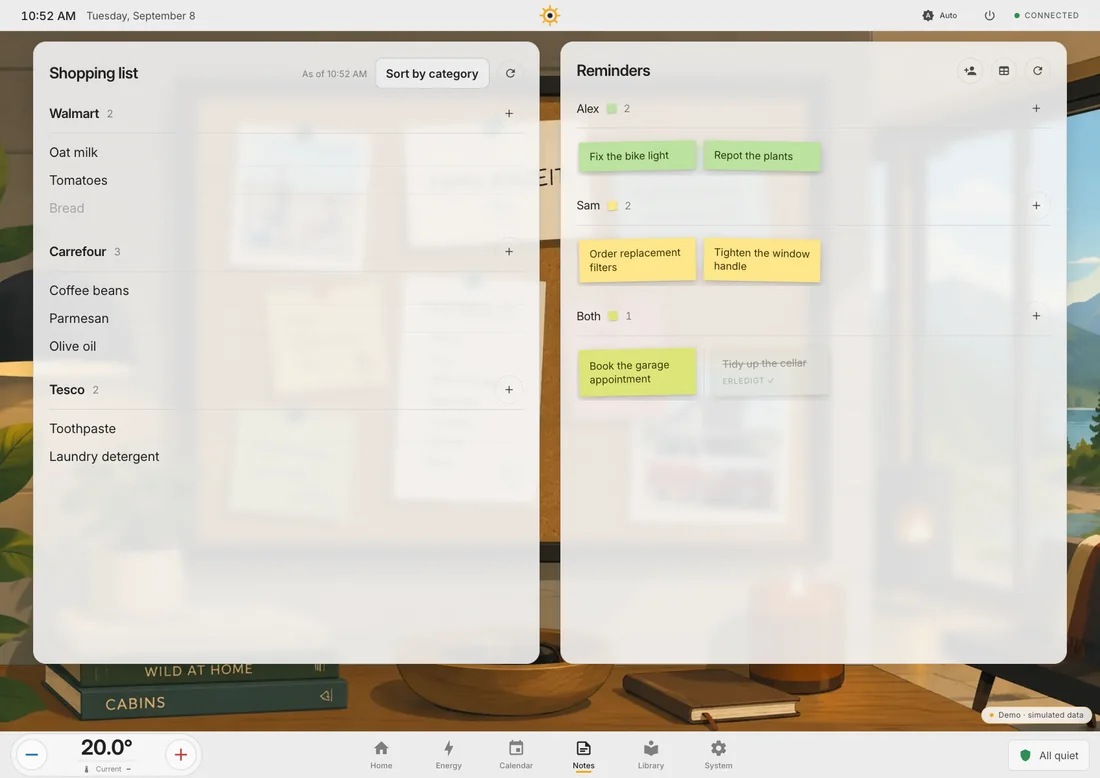
Section titled “On the panel”The Notes screen shows the list on the left. Add an item per shop, tick it off, sort and refresh.
On the phone
Section titled “On the phone”A quiet checklist: tap a row to tick it, five seconds to undo, an Add item row per store. See Phone layout.
On the standby screen
Section titled “On the standby screen”The open items appear at the left of the standby screen.