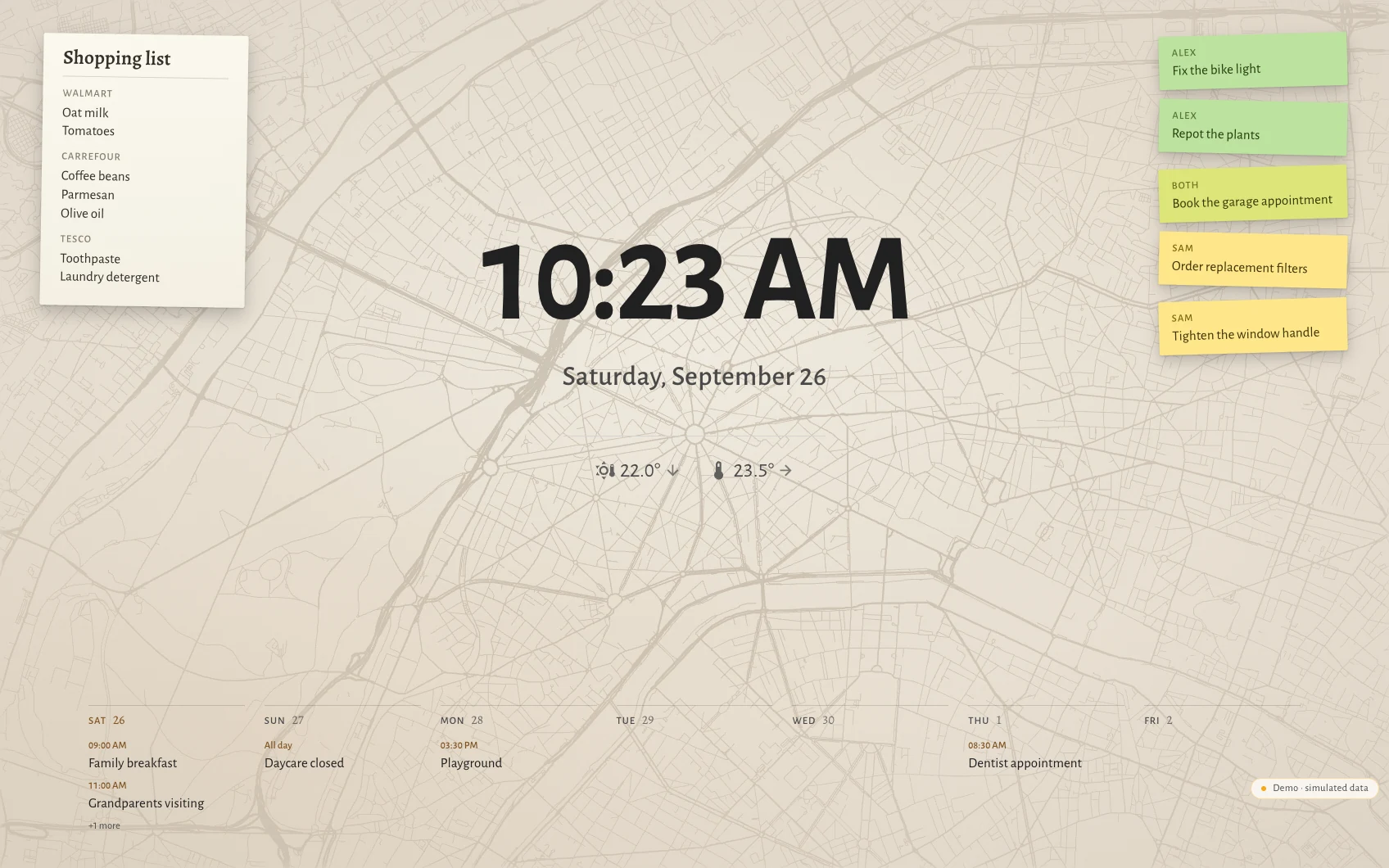
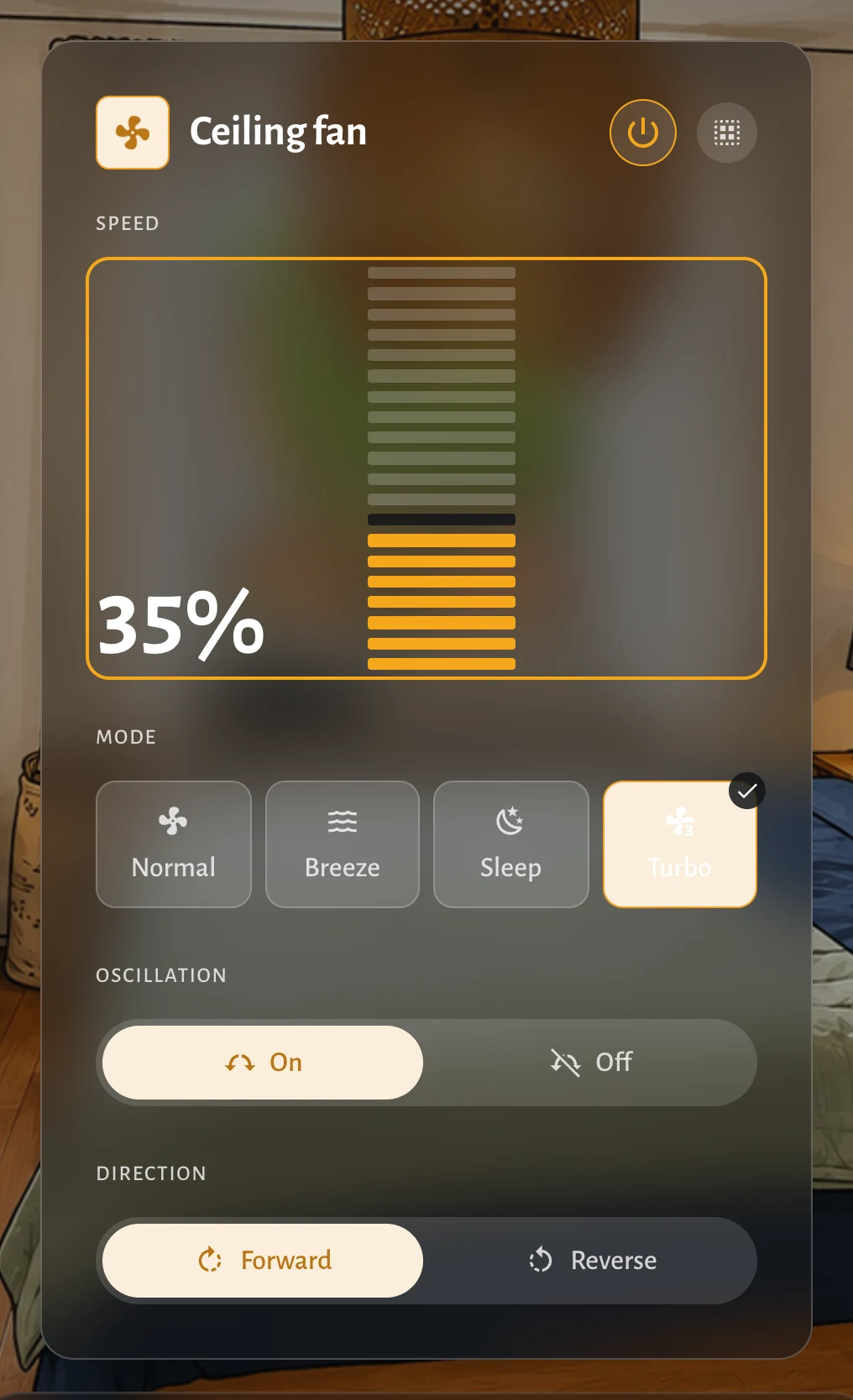
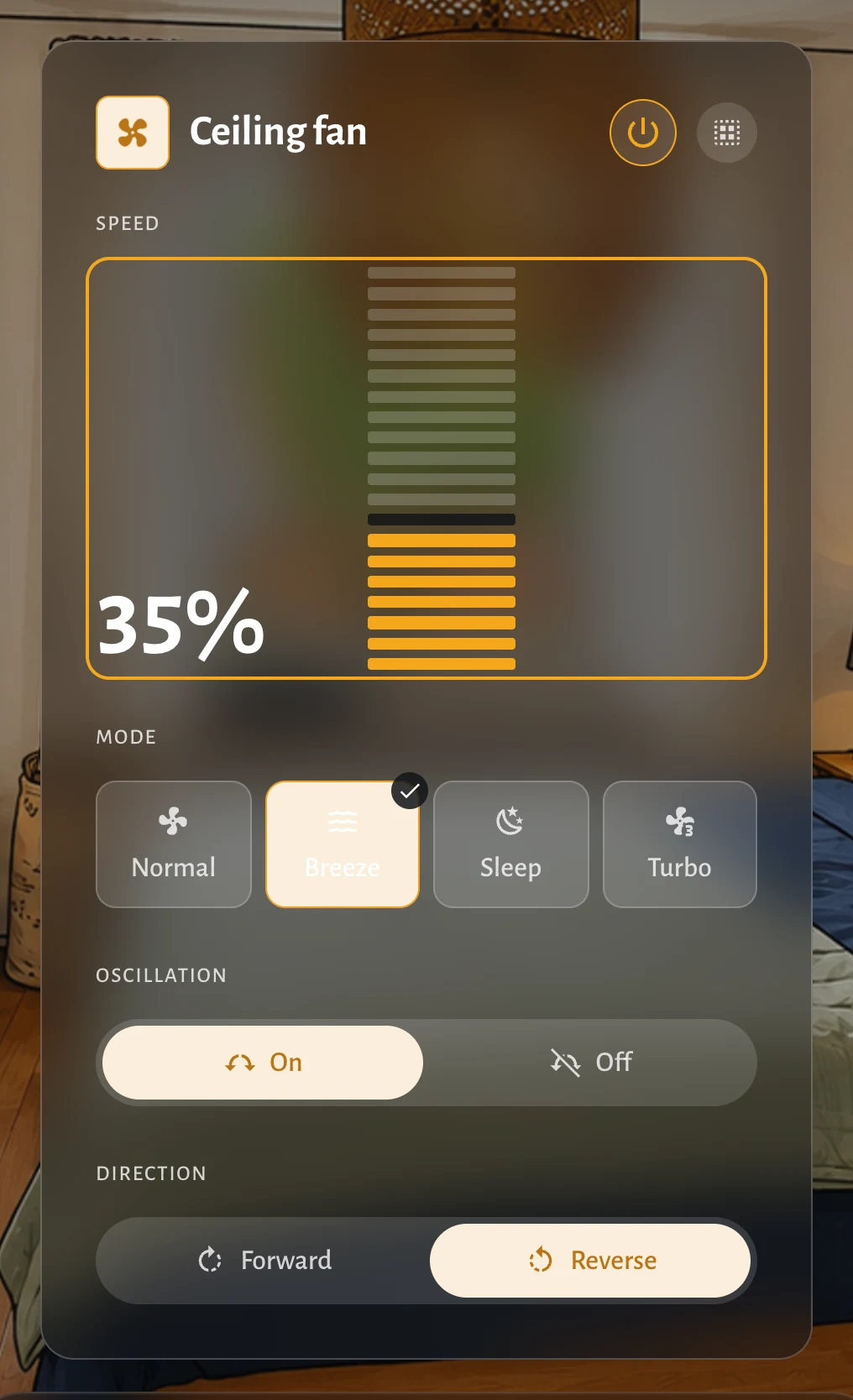
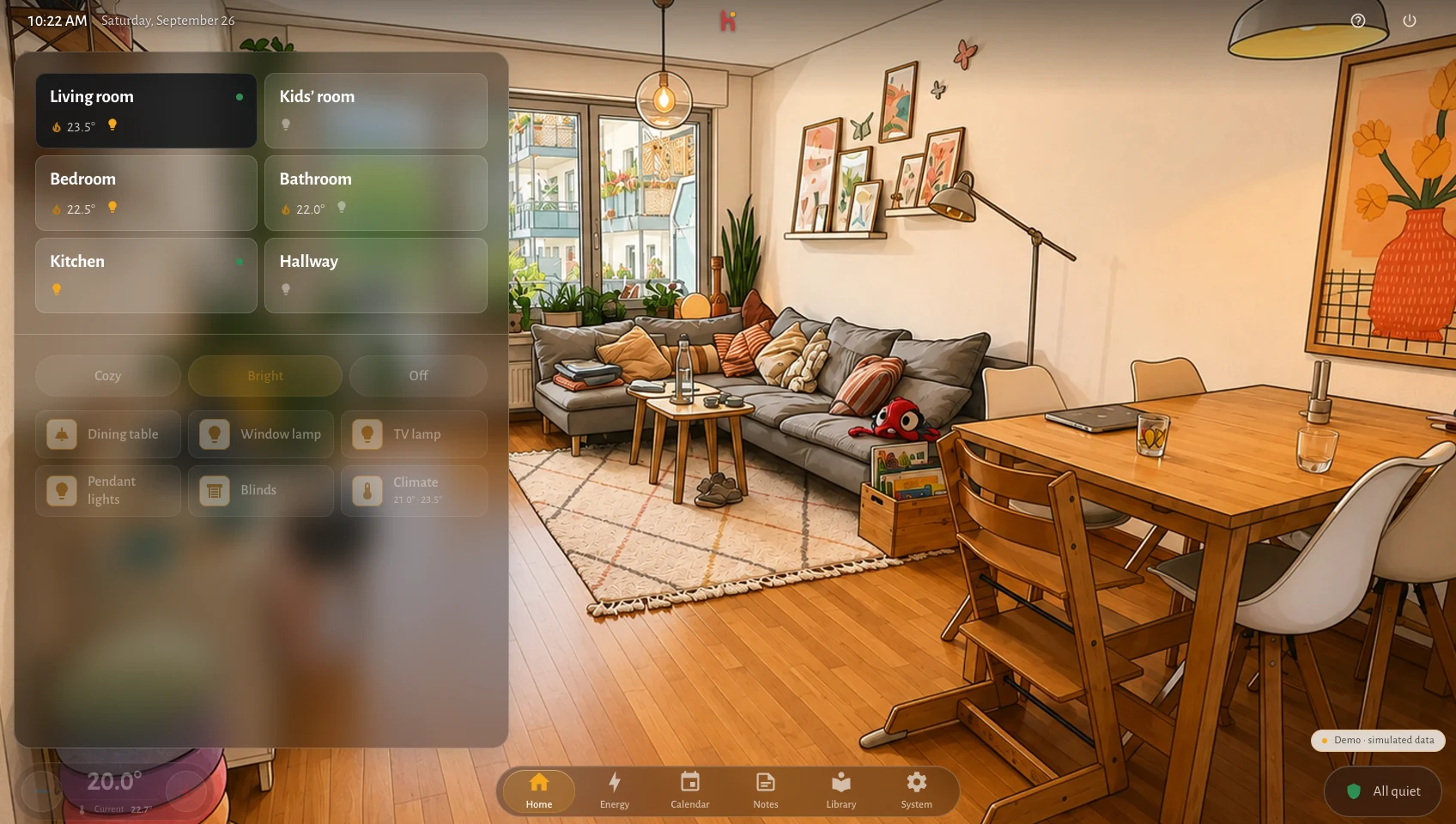
Hauser is a self-hosted, room-first Home Assistant frontend for the people who live in the home. Home Assistant remains the operator and admin interface; Hauser is the calm everyday dashboard for wall panels, tablets and phones.
Technical beta v0.4.0-beta.3 · self-hosted · MIT code and docs
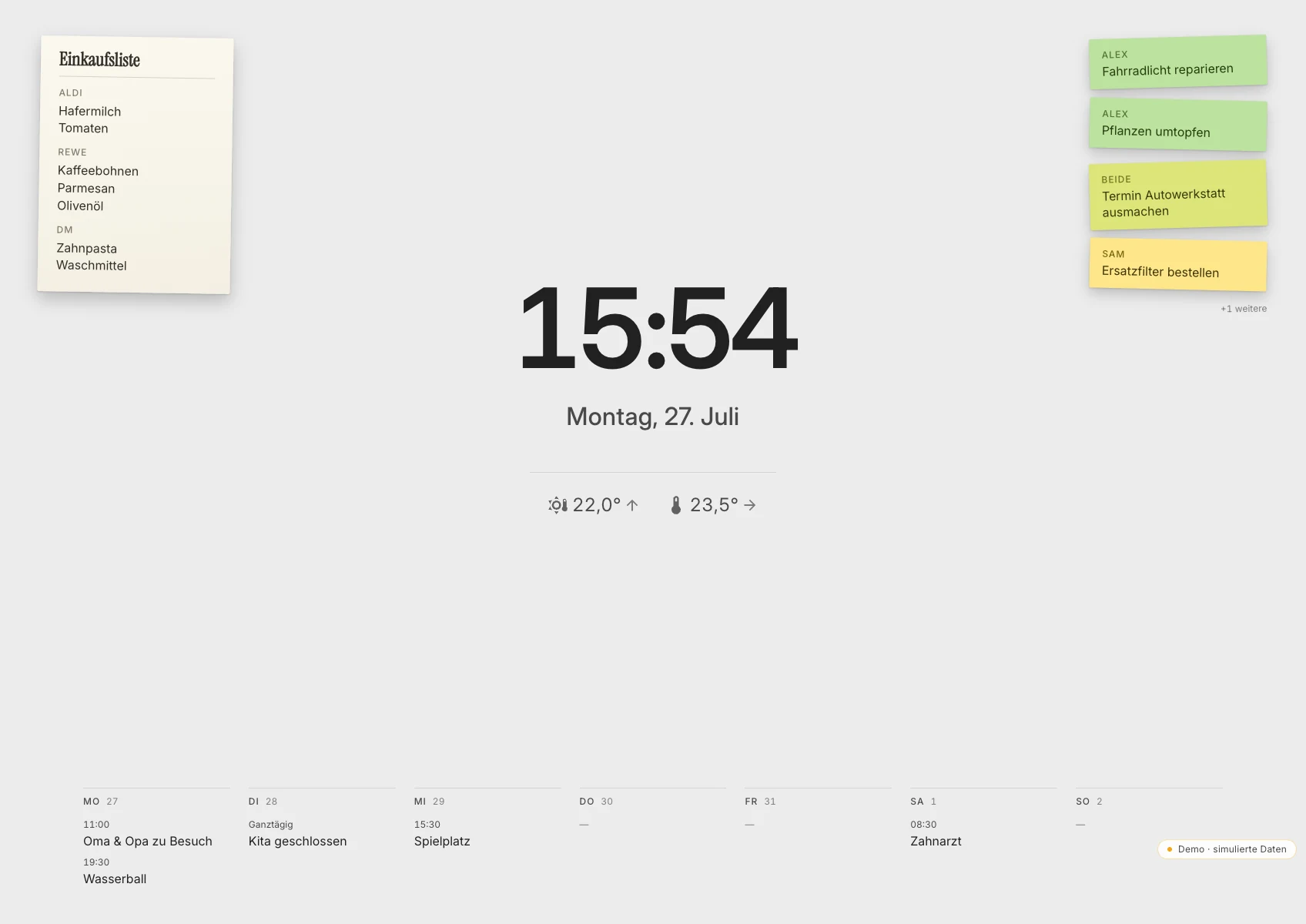
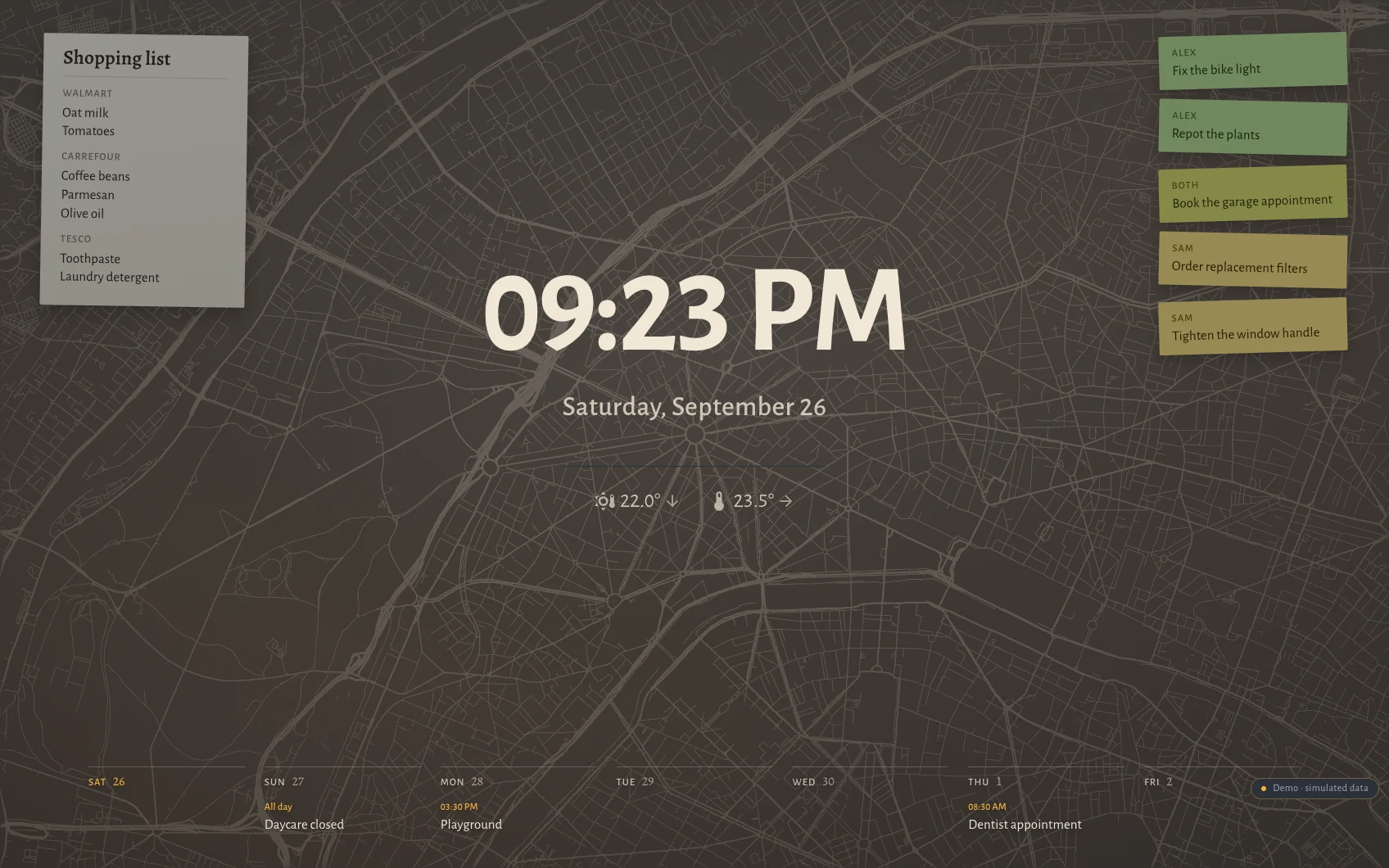
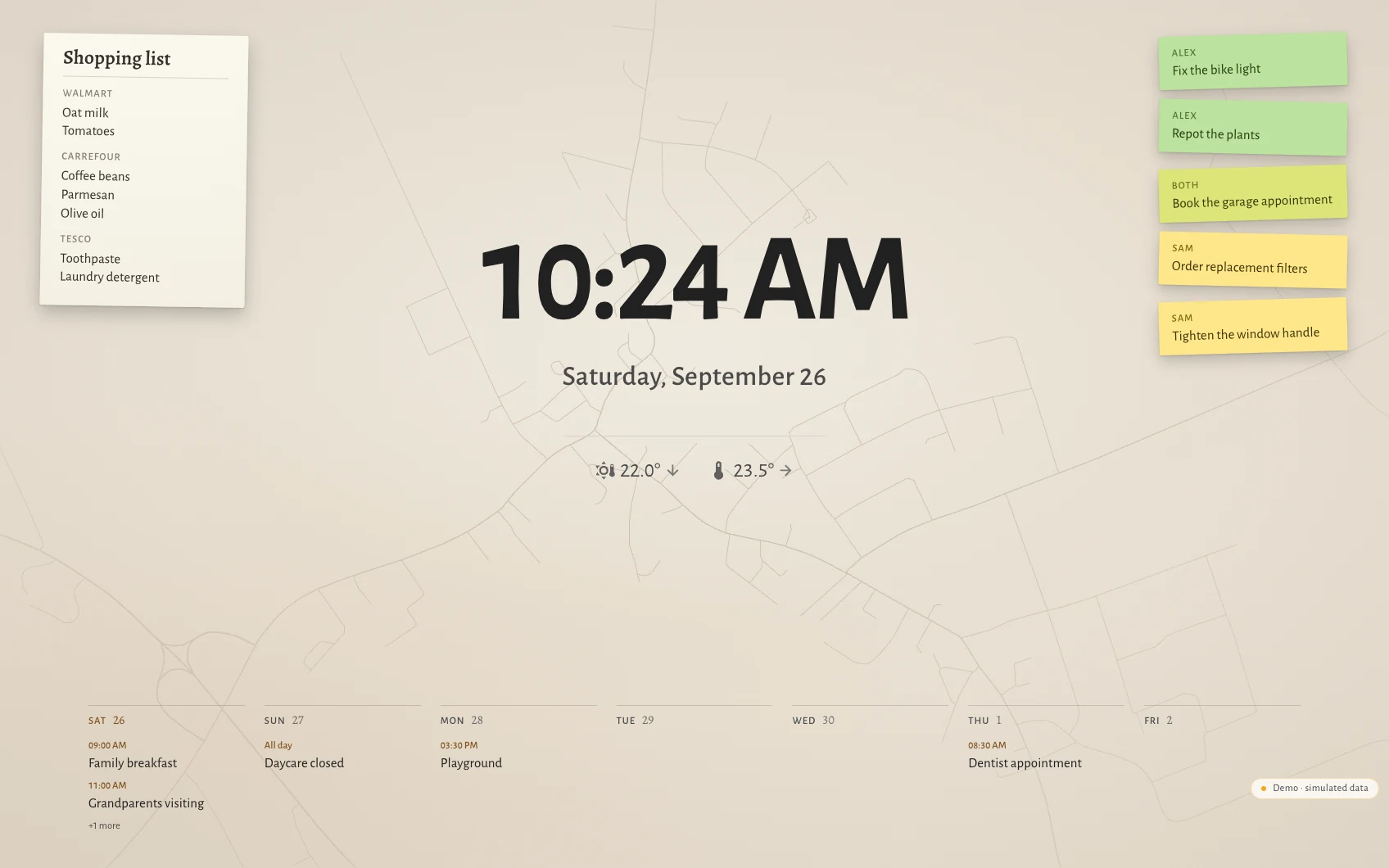
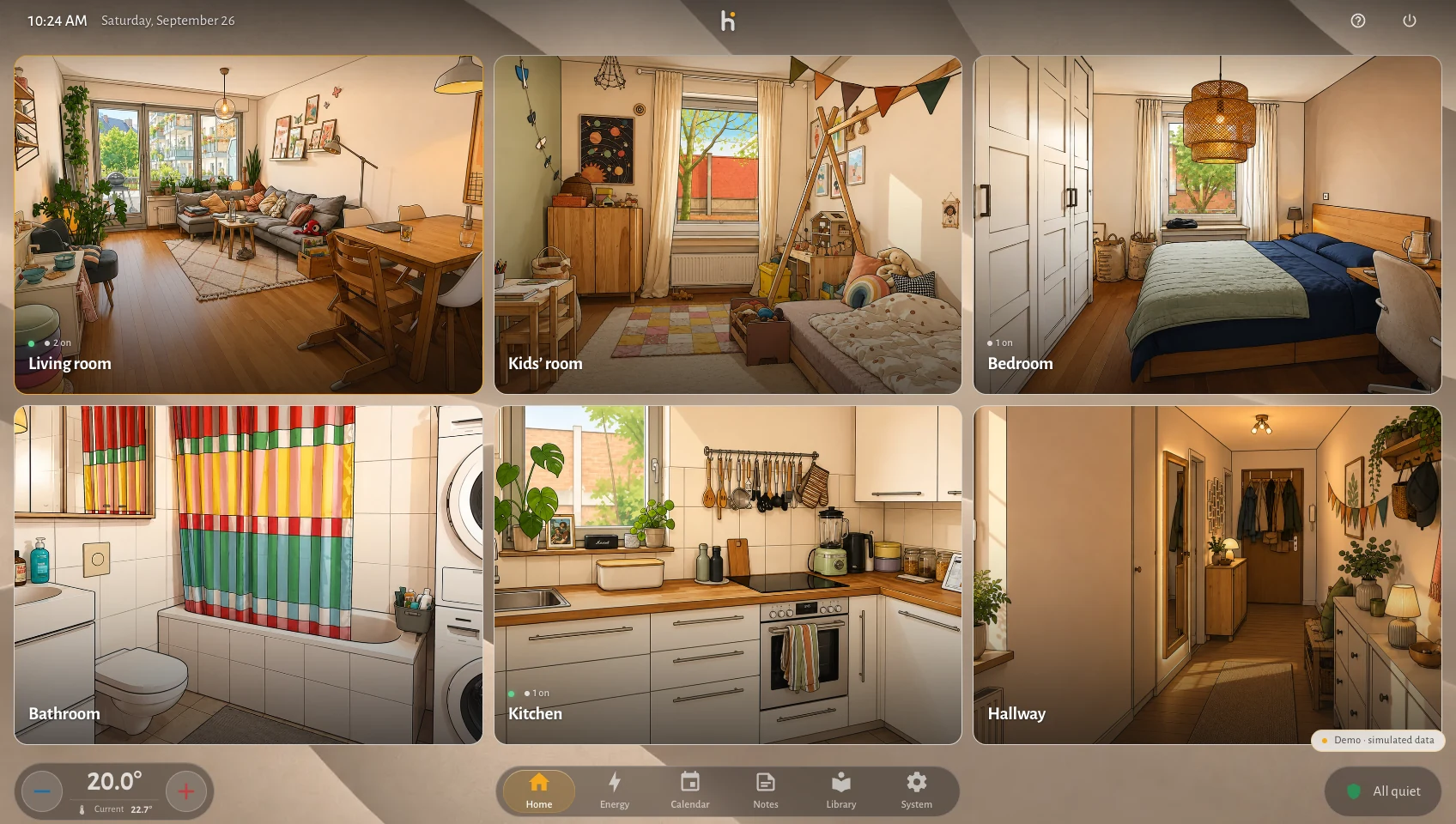
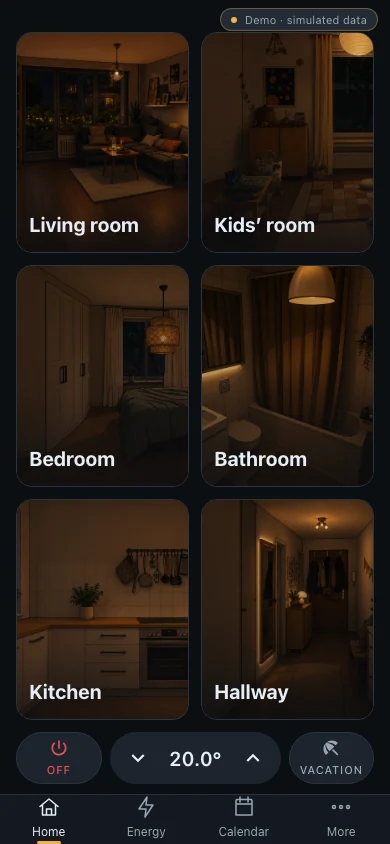
The resting screen: useful from across the room, one touch from the household.
Why this exists
Home Assistant is an excellent home automation engine. Its dashboard is a grid you fill with cards, each written by a different person, each with its own spacing, motion, and idea of what a button feels like. It works — and it never quite feels like one product.
Hauser takes the other path. Everything on screen comes from a single set of design tokens, a documented interaction contract, and a performance budget that is treated as a requirement rather than an aspiration. The reasoning behind every structural choice is written down in the current architecture documentation, including the boundaries and trade-offs that keep the product coherent.
Home
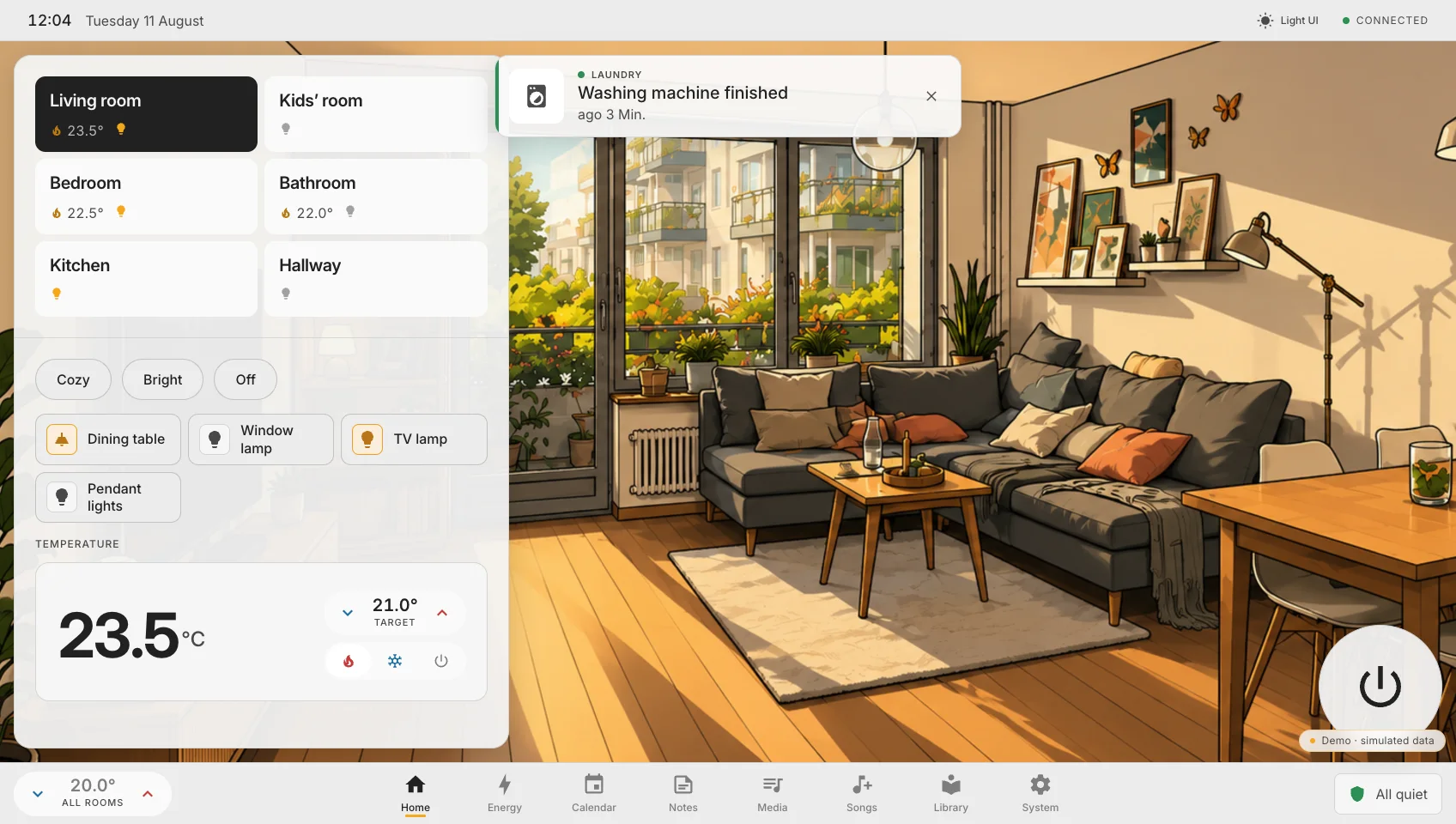
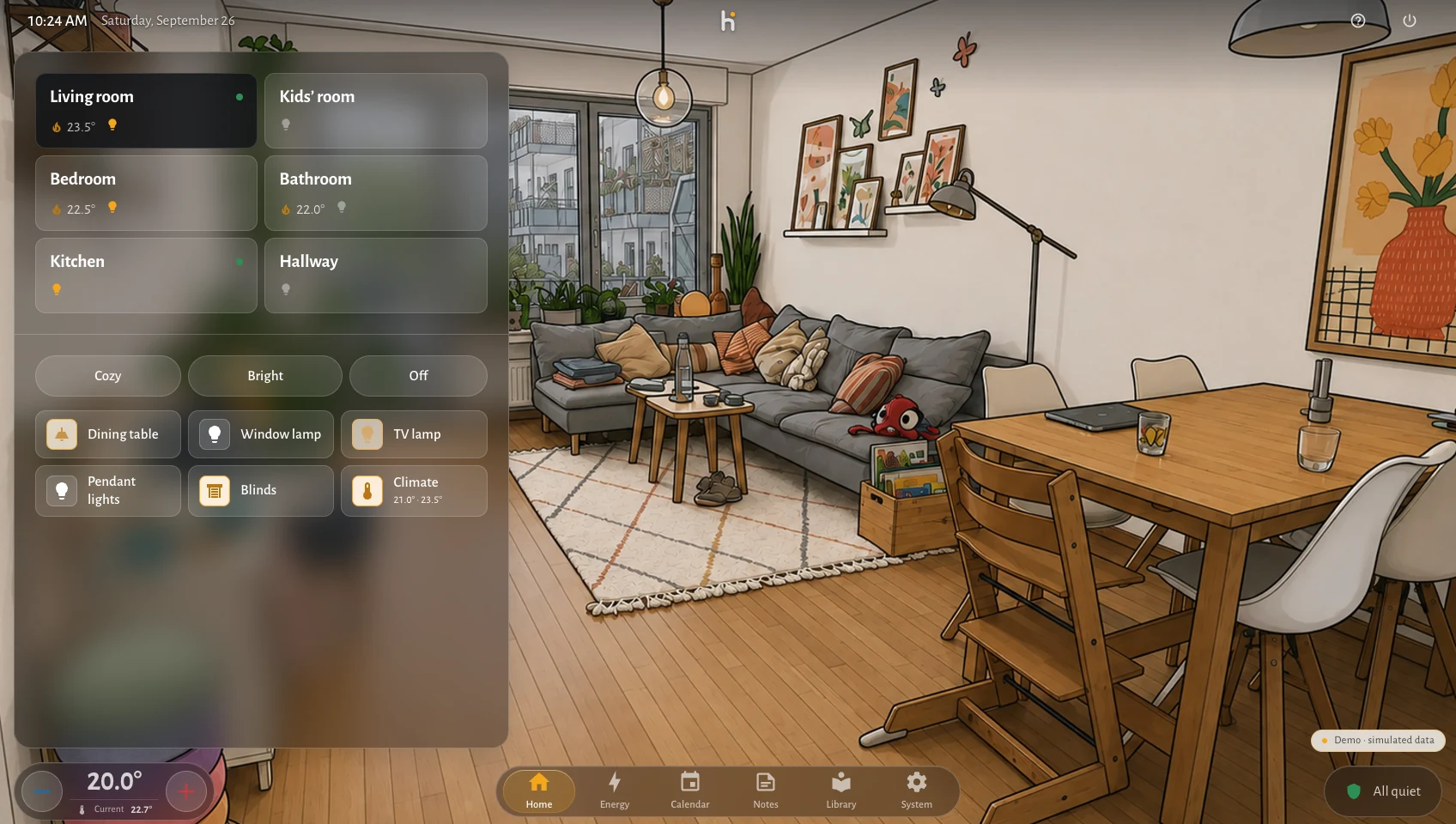
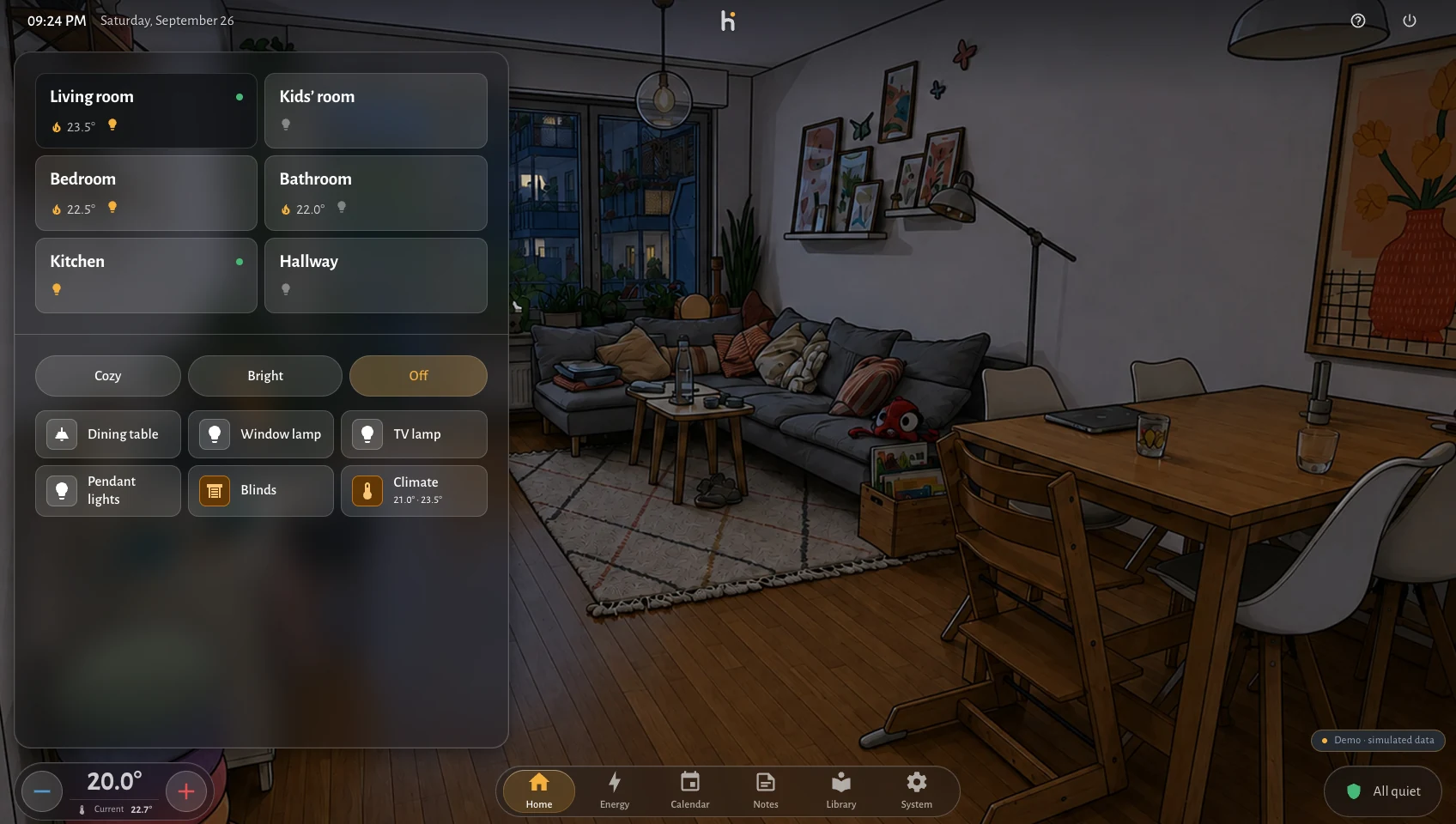
The default panel keeps one narrow control surface beside the room illustration. More space is available when needed, but it is not the first impression and it is not the everyday default.
Interaction
Tap a light and it turns on — on screen, immediately. The command travels to Home Assistant afterwards. When the house confirms, nothing visible happens, because the interface was already right.
When the house disagrees, the control animates back to the true state instead of quietly lying to you. Every intent is tracked, reconciled against the incoming state, and abandoned after a timeout. That reconciliation logic took longer than anything else in this project, and it is the reason the interface feels the way it does.
Media
Jellyfin is integrated directly rather than embedded: the library, the shelves, the detail view and the player are all built in the same design system as the light switches. No second application appears, no visual seam gives it away.
Playback runs through HLS with resume and progress, so you continue where you stopped without thinking about which app owns the file.
Audio
Room audio runs through Home Assistant media players, presented with the same controls as everything else. Choosing what plays in the kitchen is no different from turning on the kitchen light.
Energy
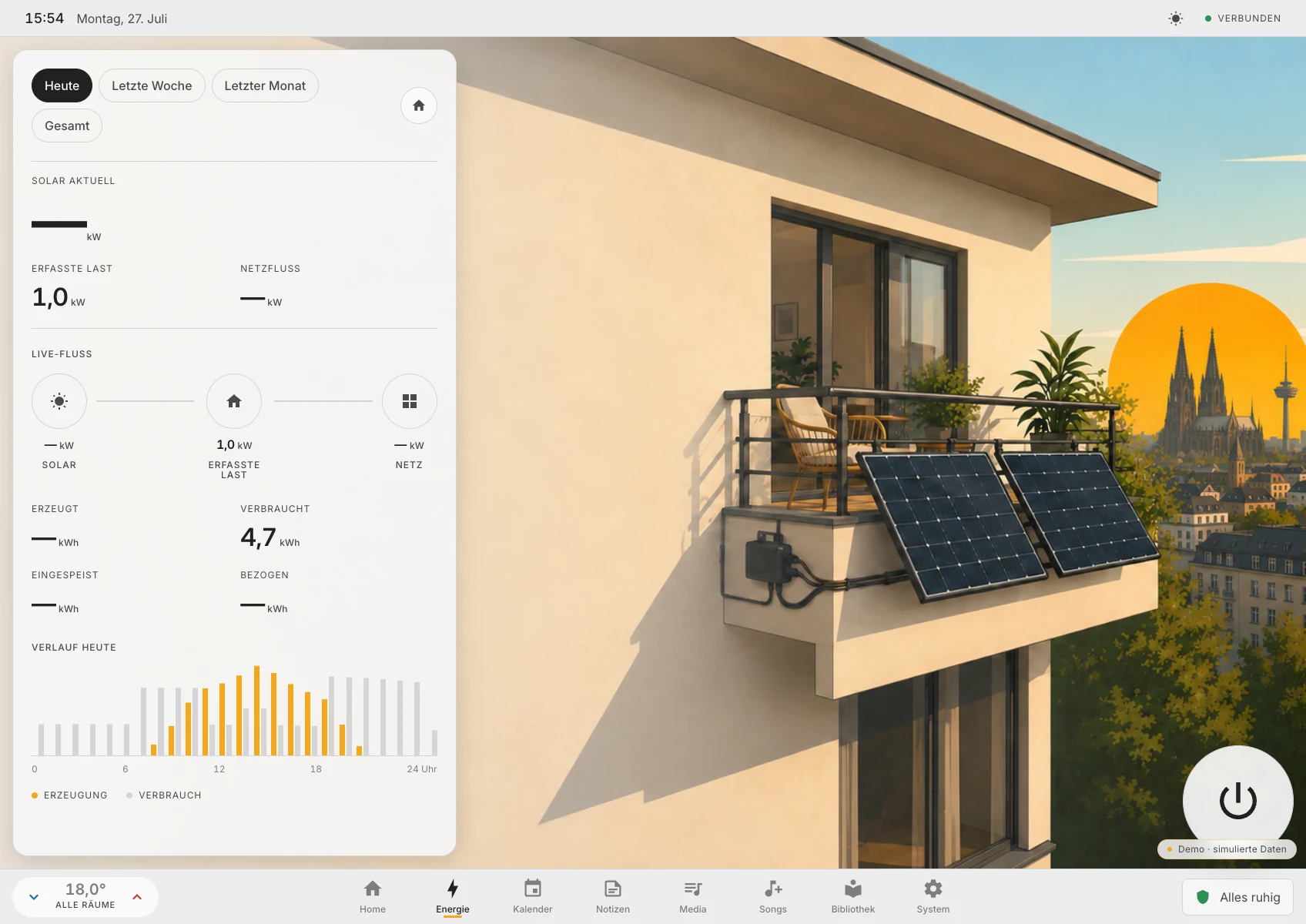
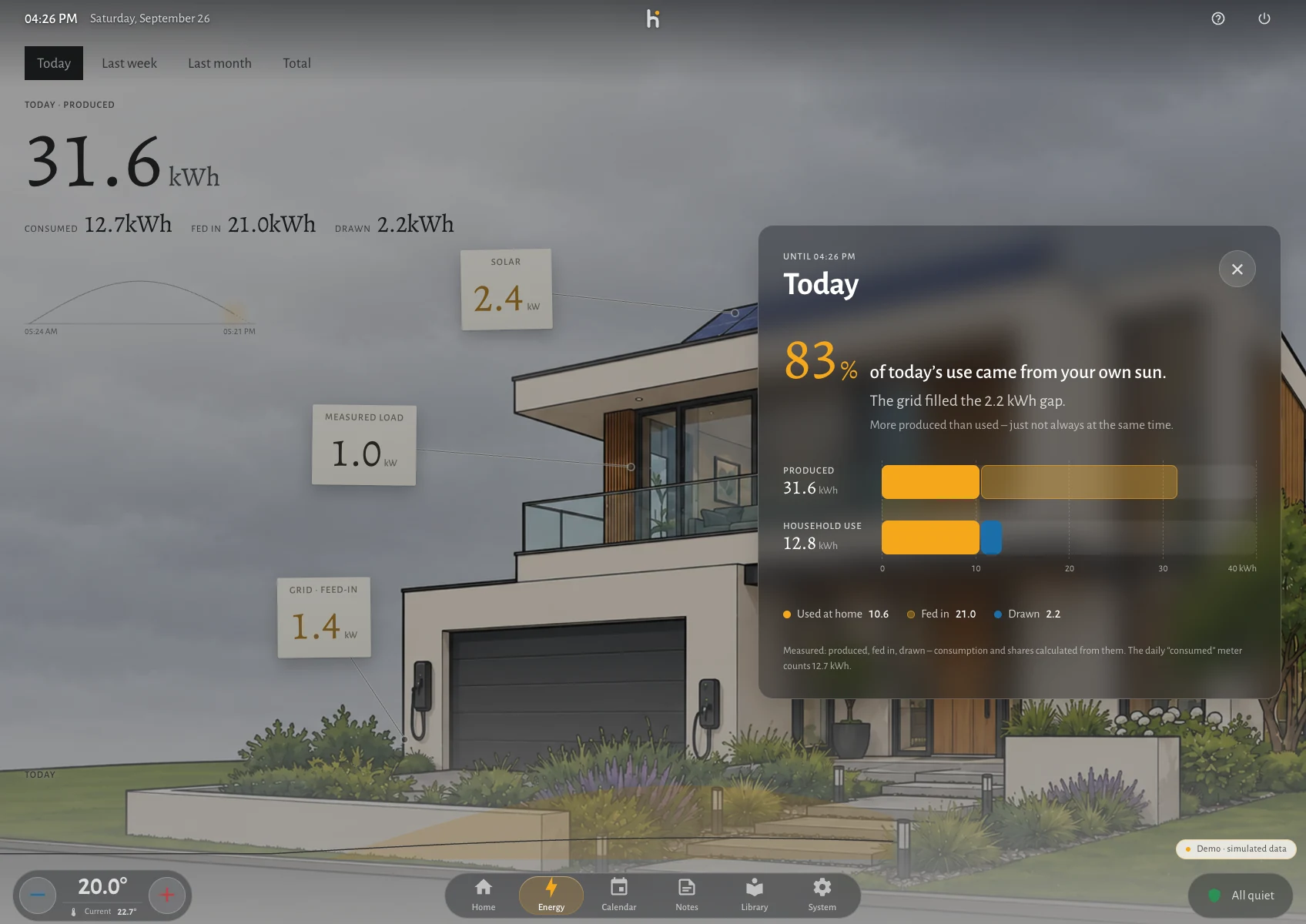
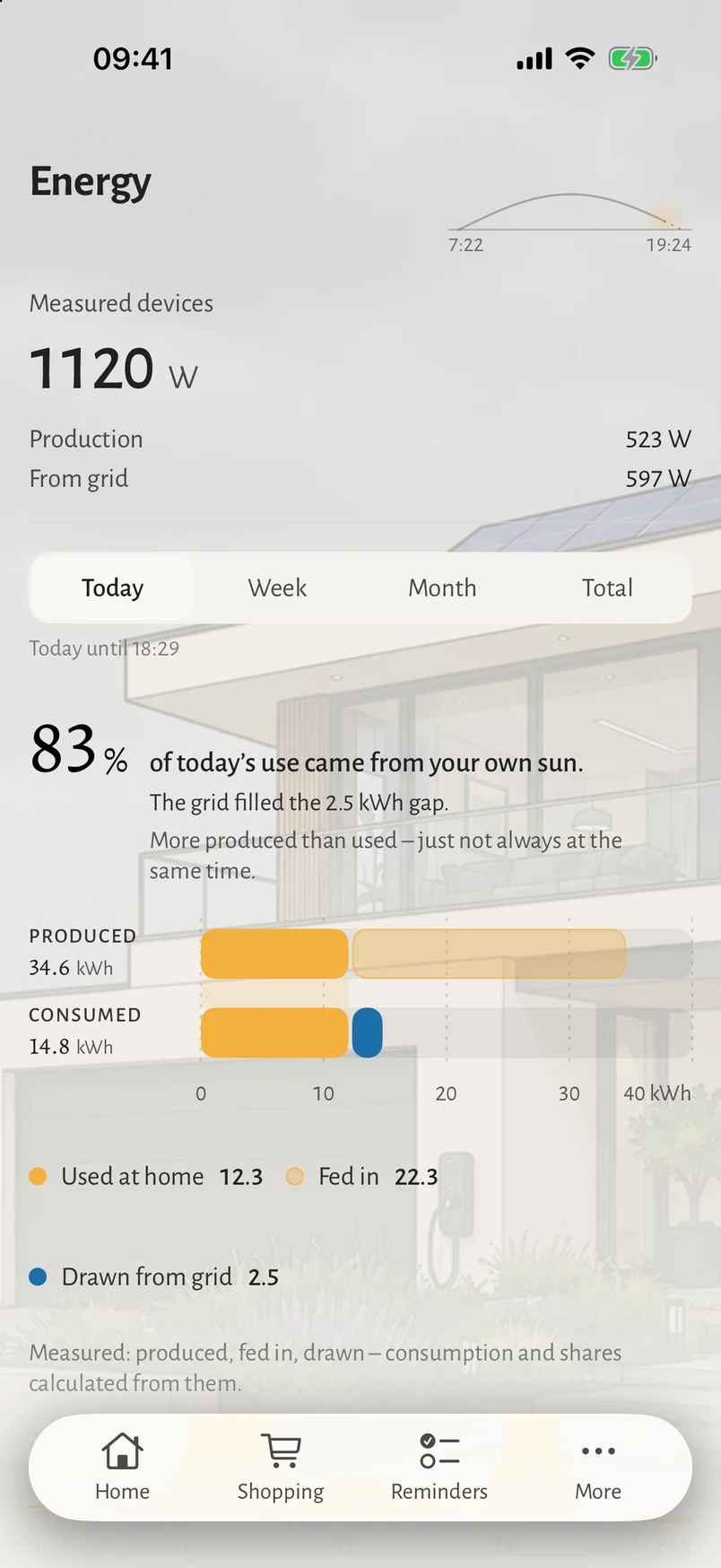
Live load and daily consumption come from real power sensors, broken down per device and plotted across the day.
The house behind this screenshot has no solar array and no grid meter, so those figures stay empty rather than being estimated into existence. An interface that invents numbers is worse than one that admits a gap.
Everyday
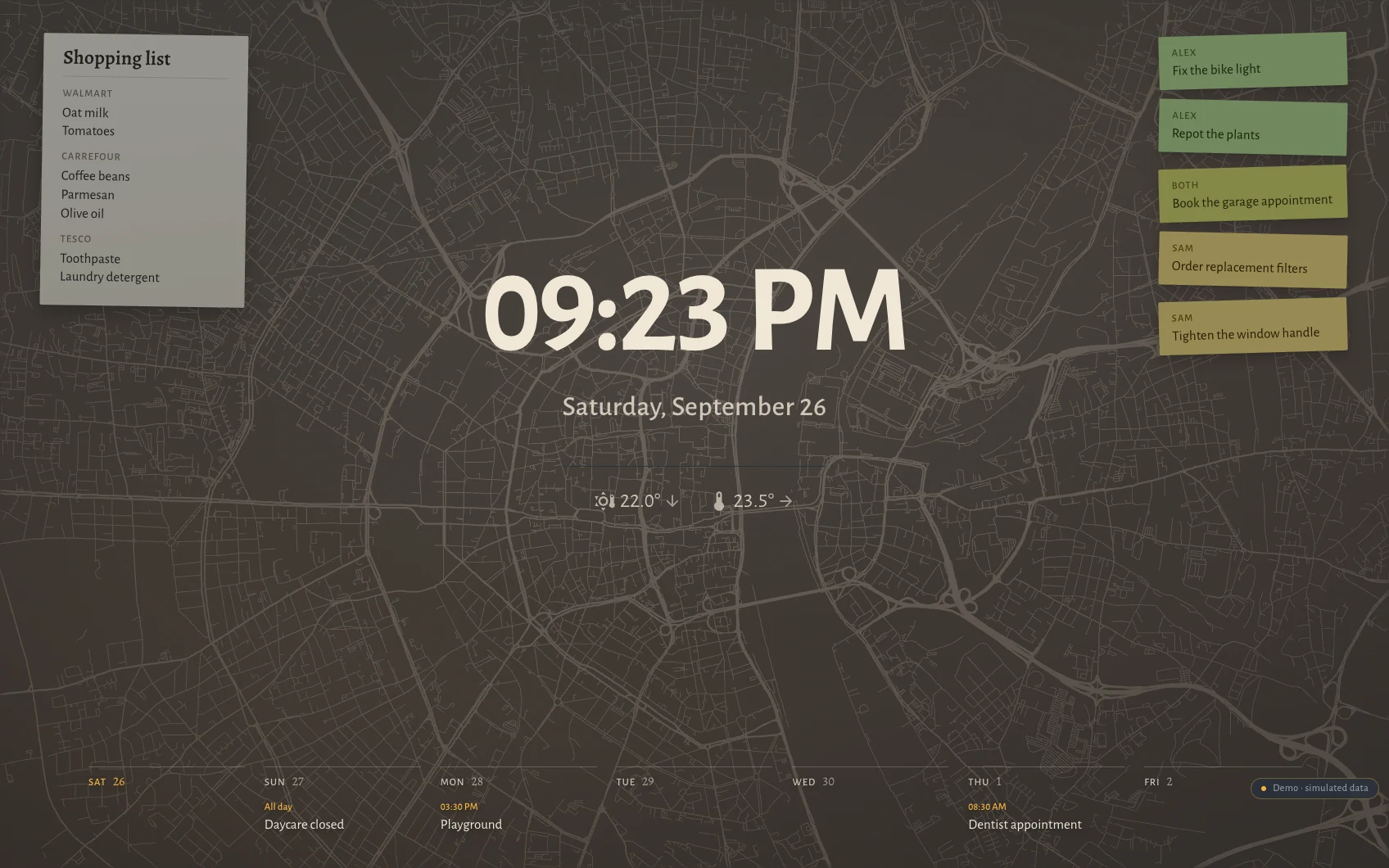
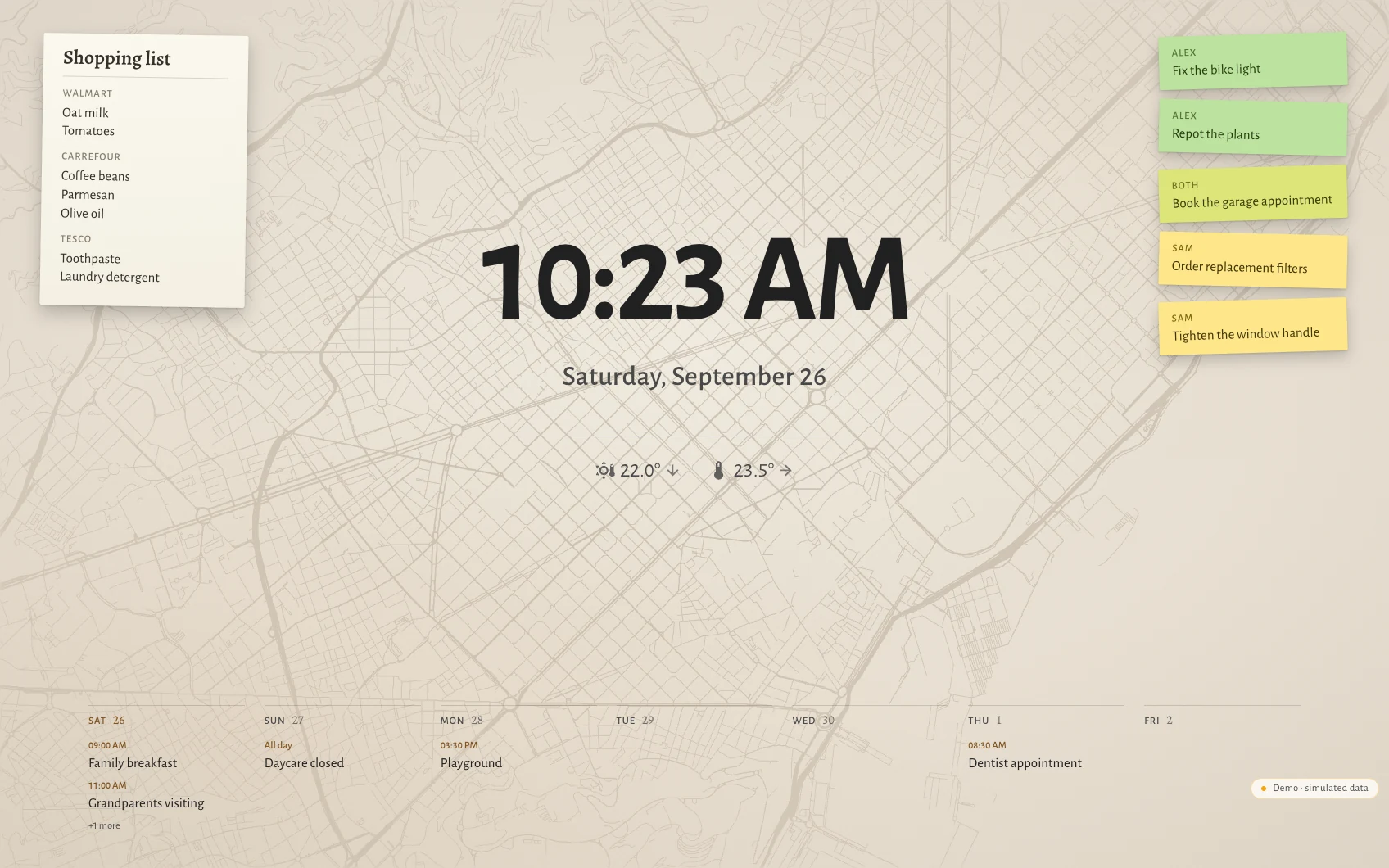
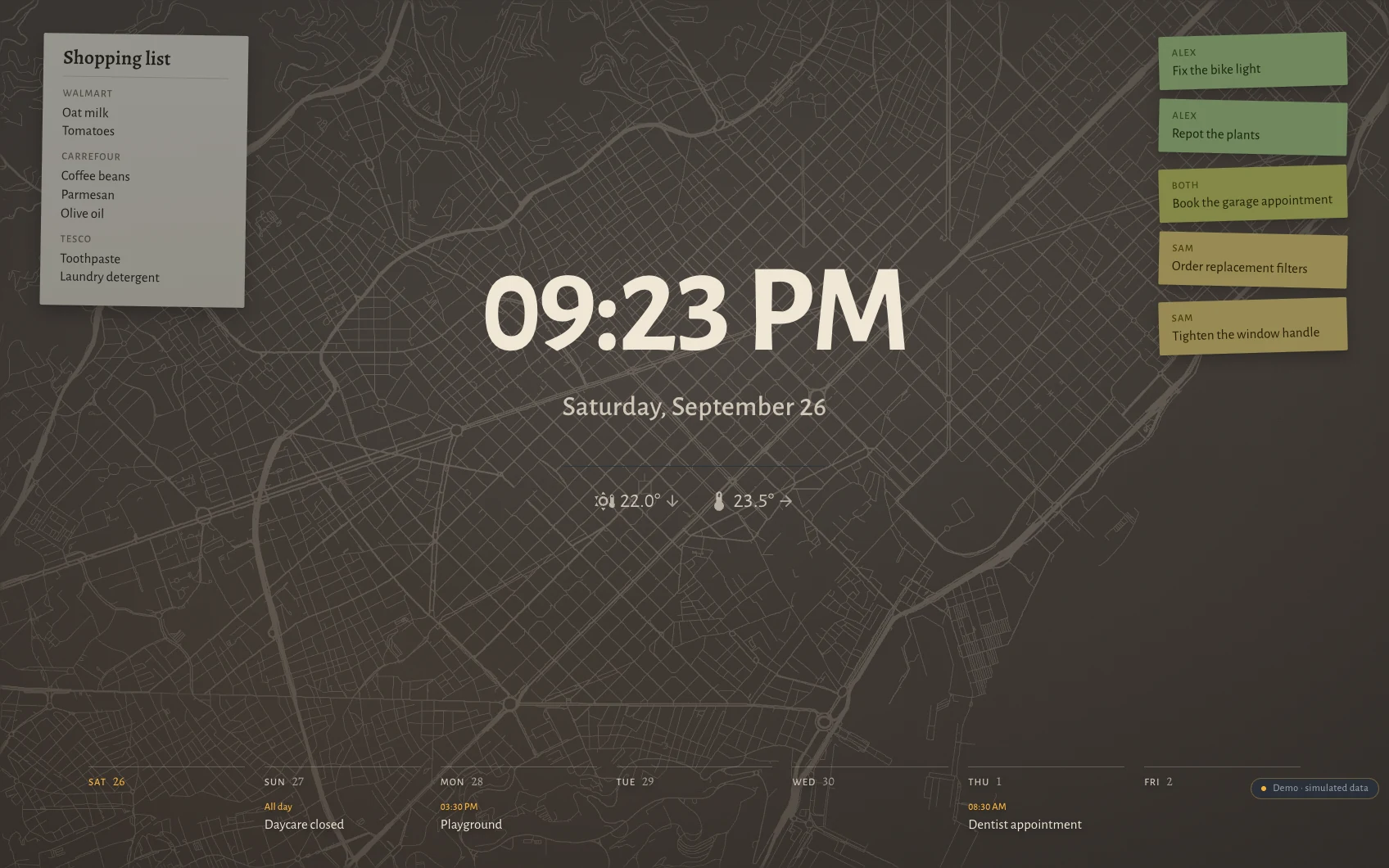
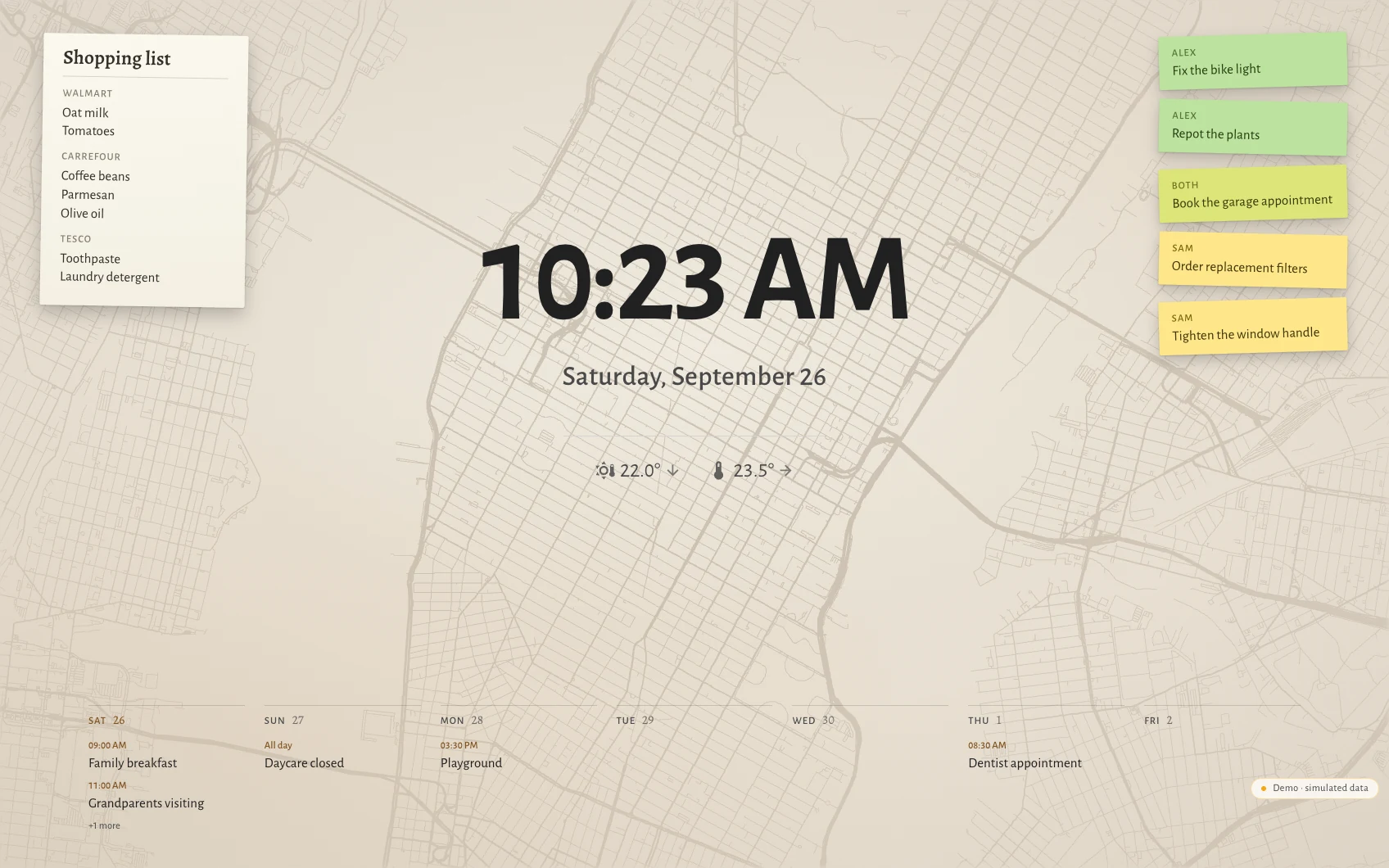
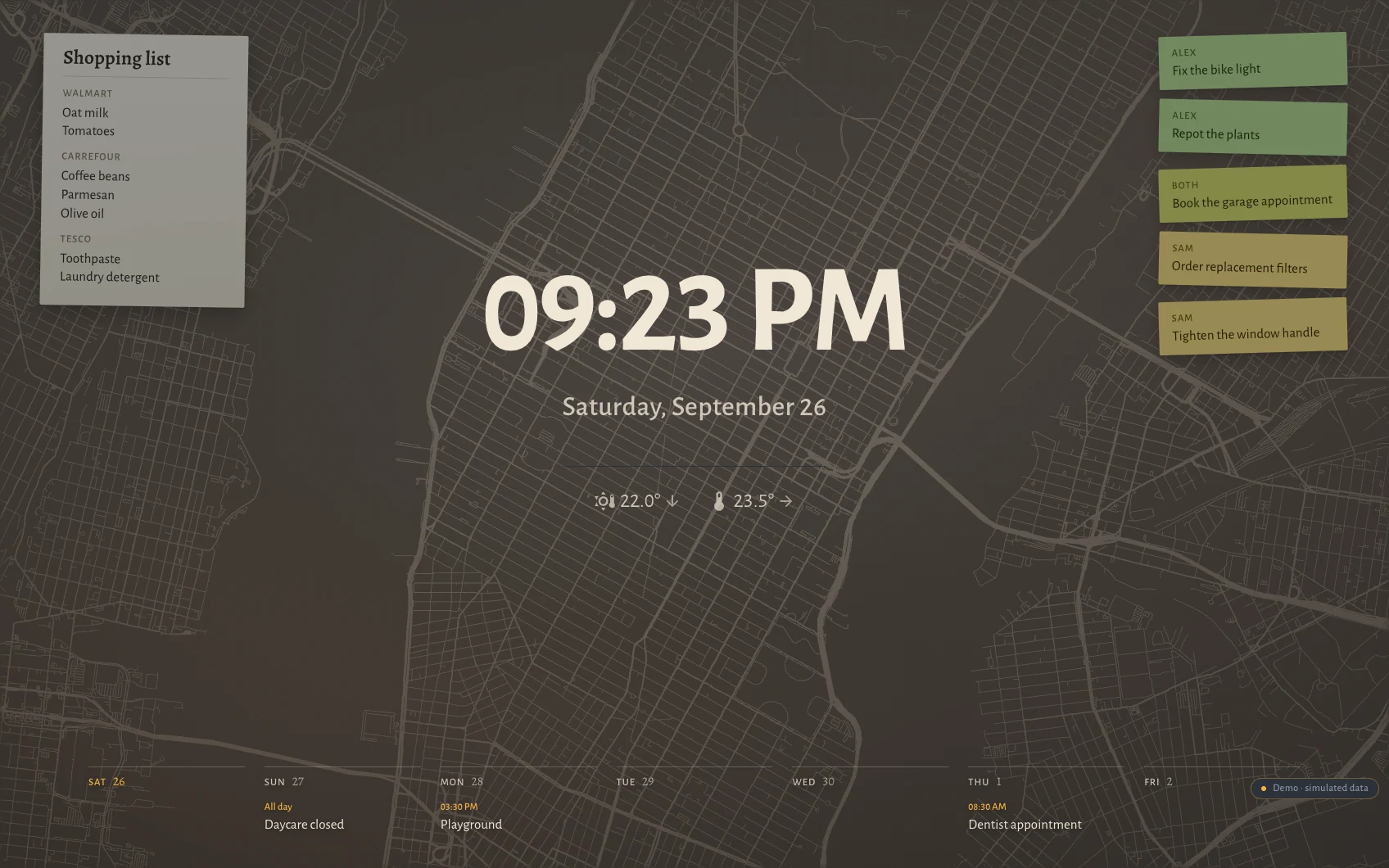
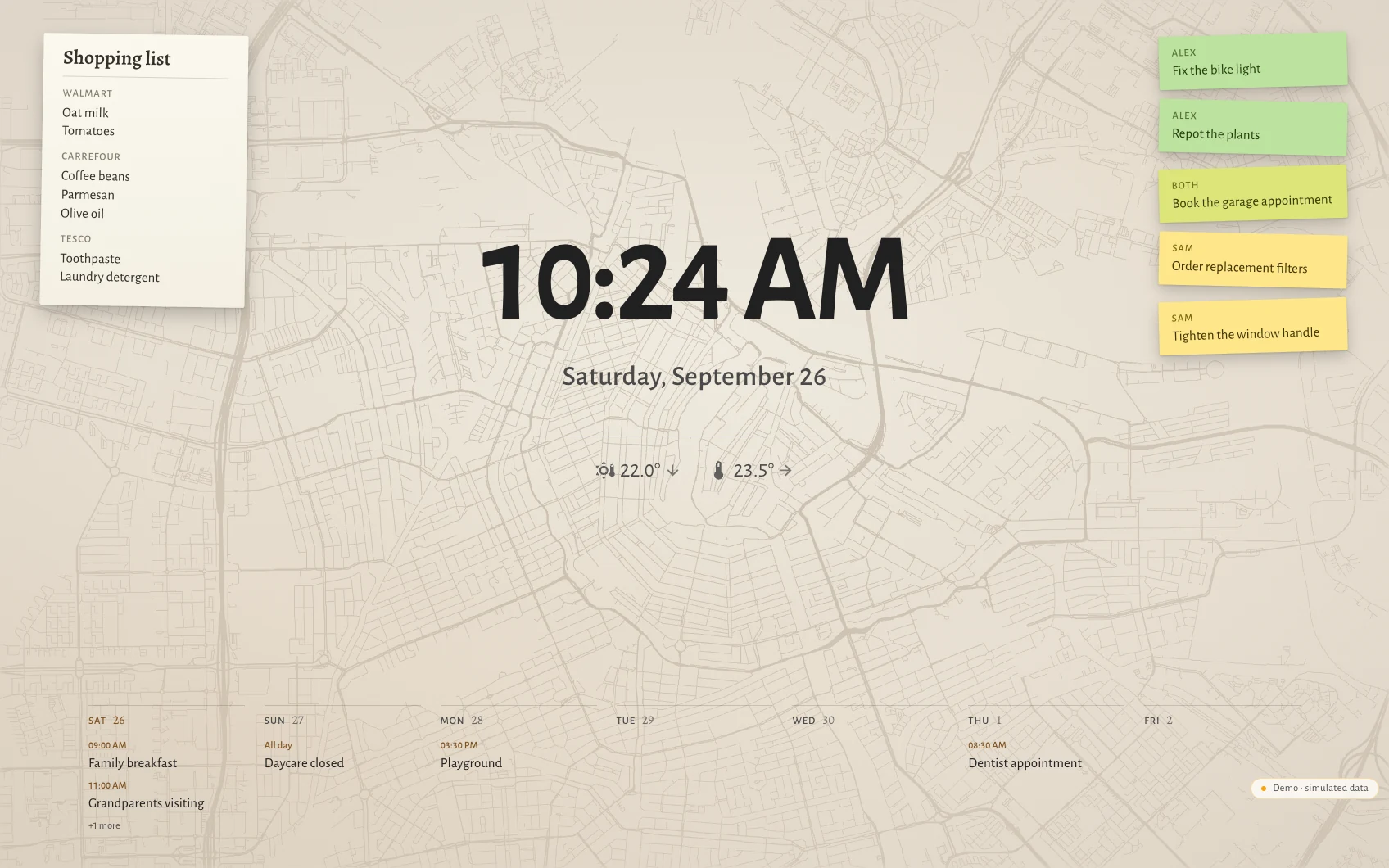
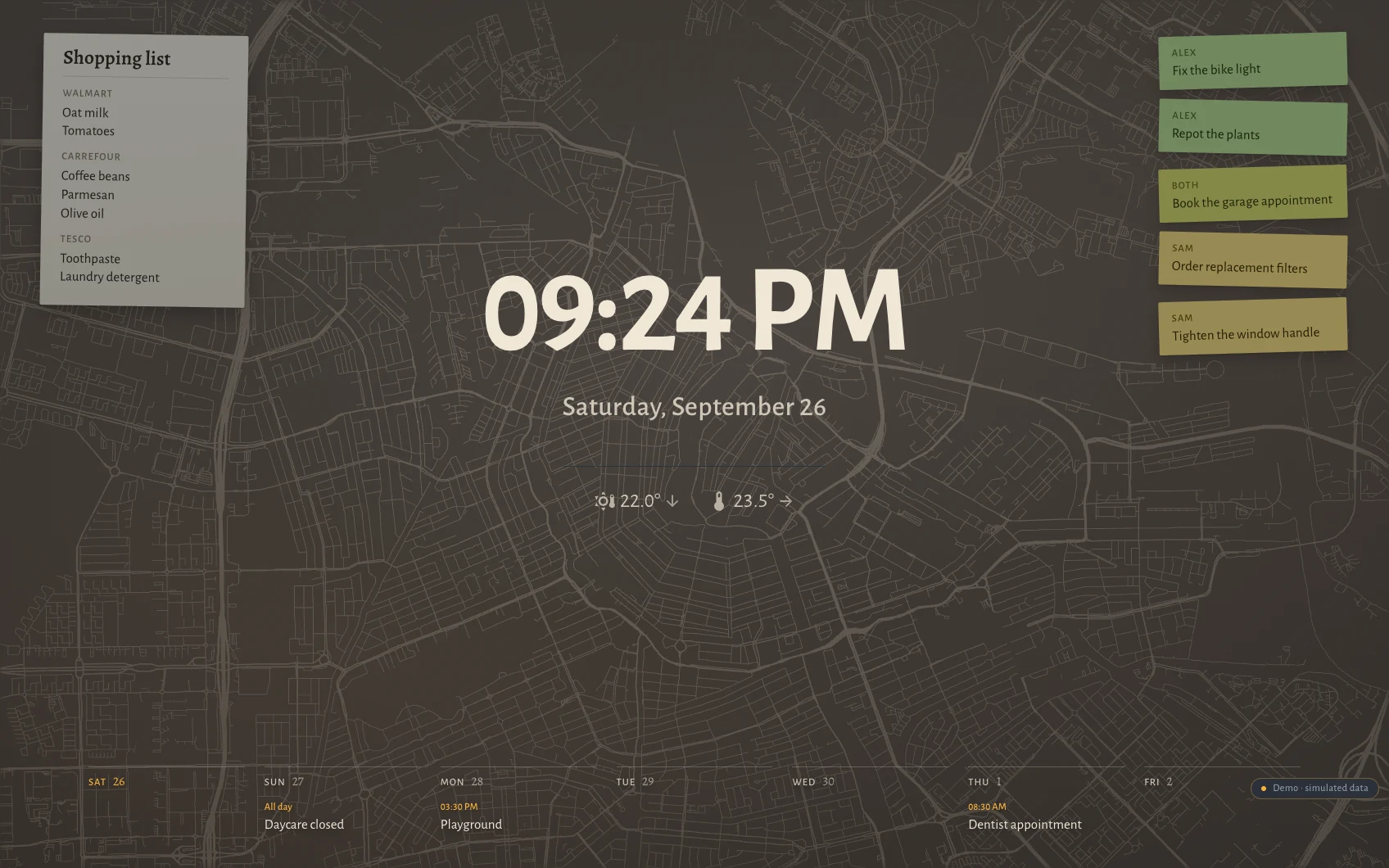
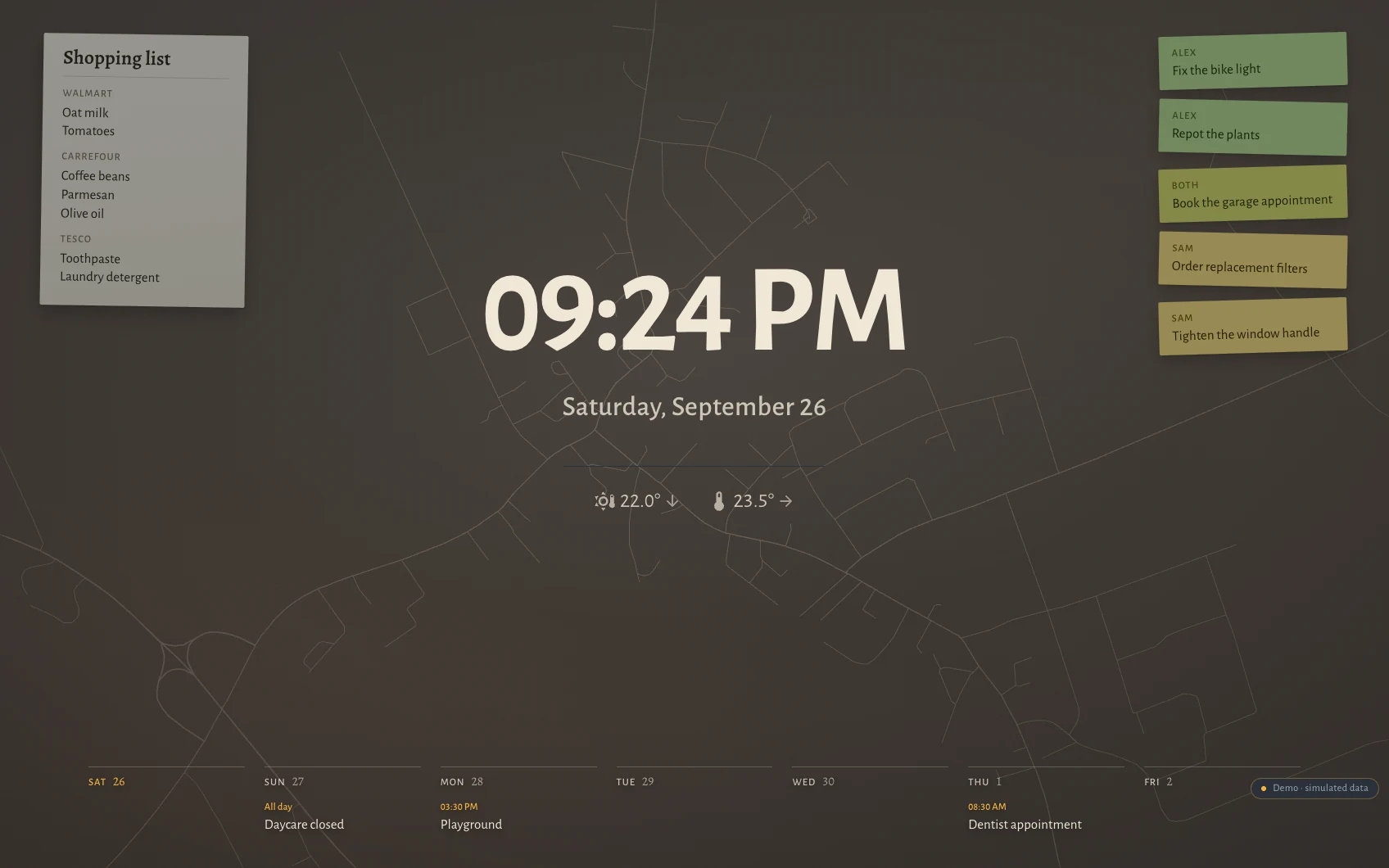
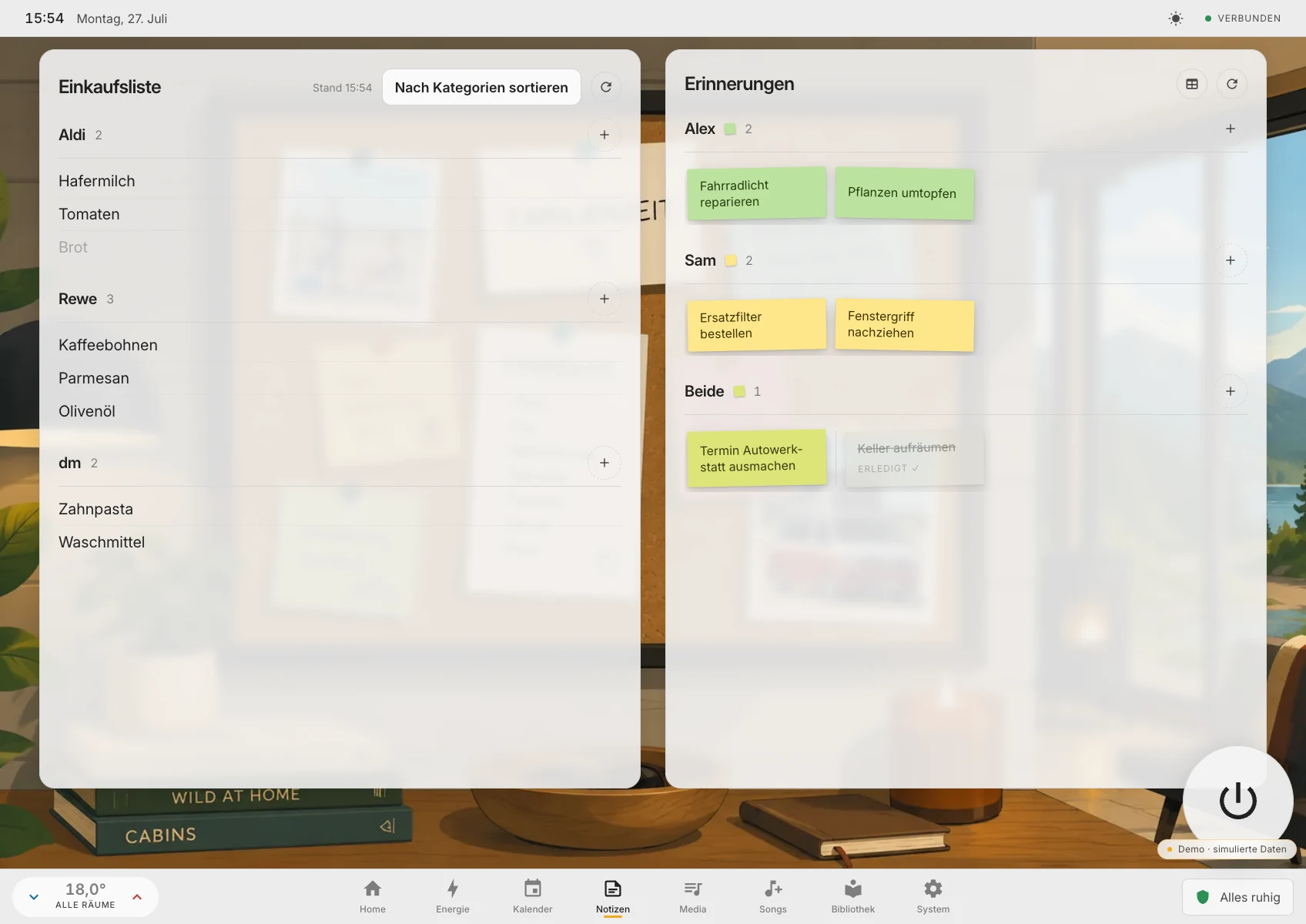
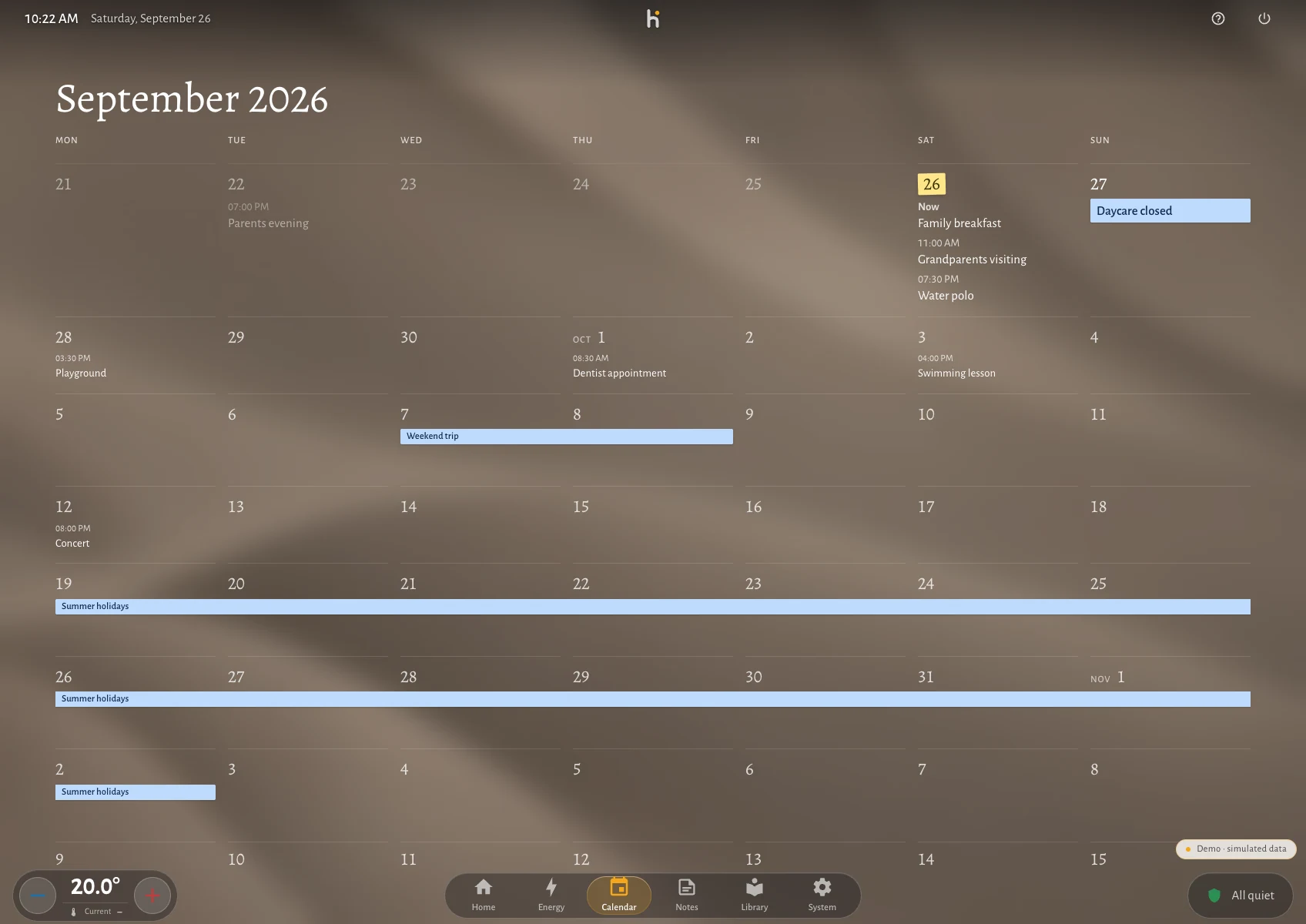
A shopping list split by shop, reminders laid out as notes on a board and colour-coded per person, and a calendar that stays readable from across the room. These are the screens that get touched most, so they were designed like screens rather than like settings pages.
Details
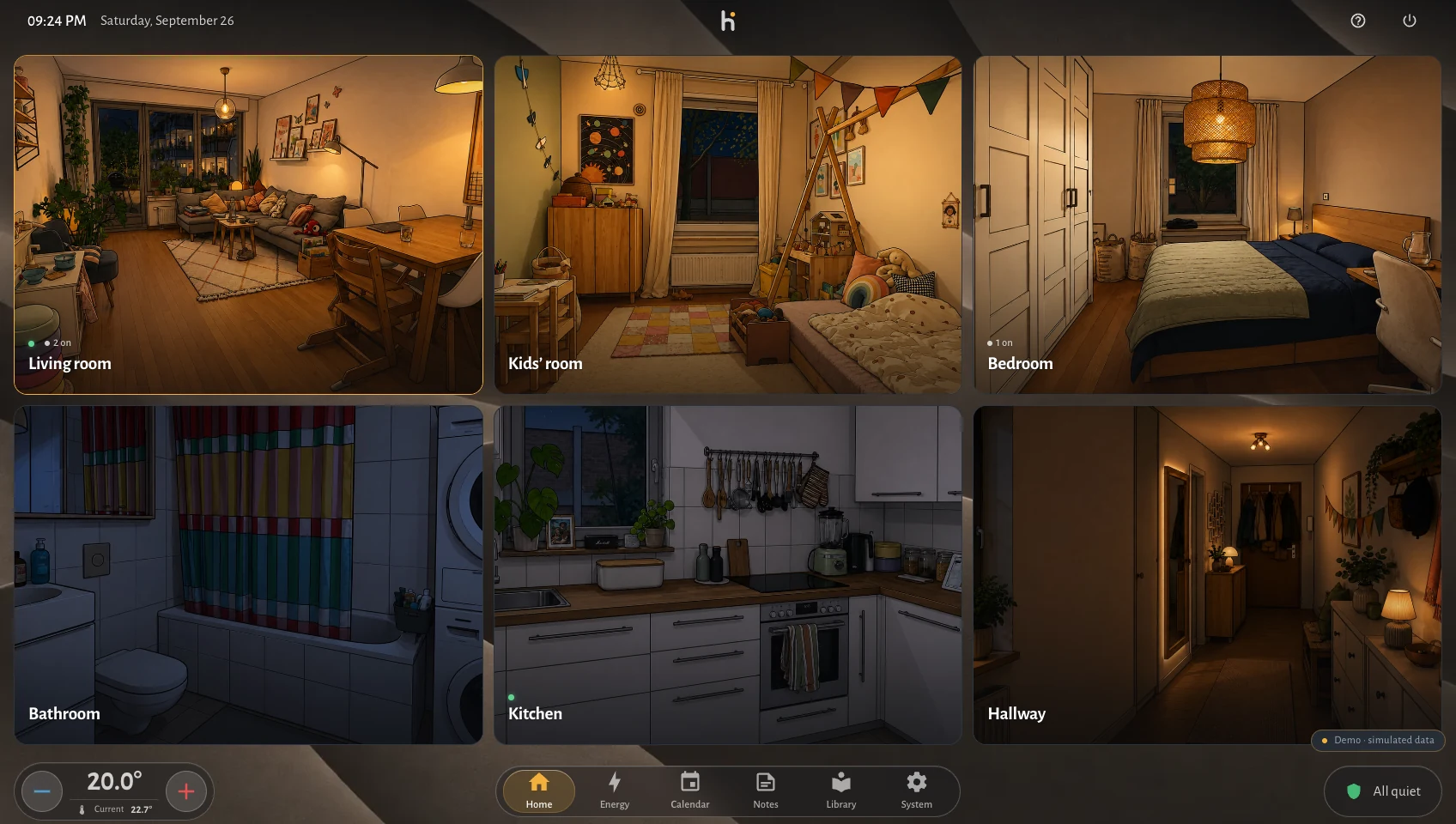
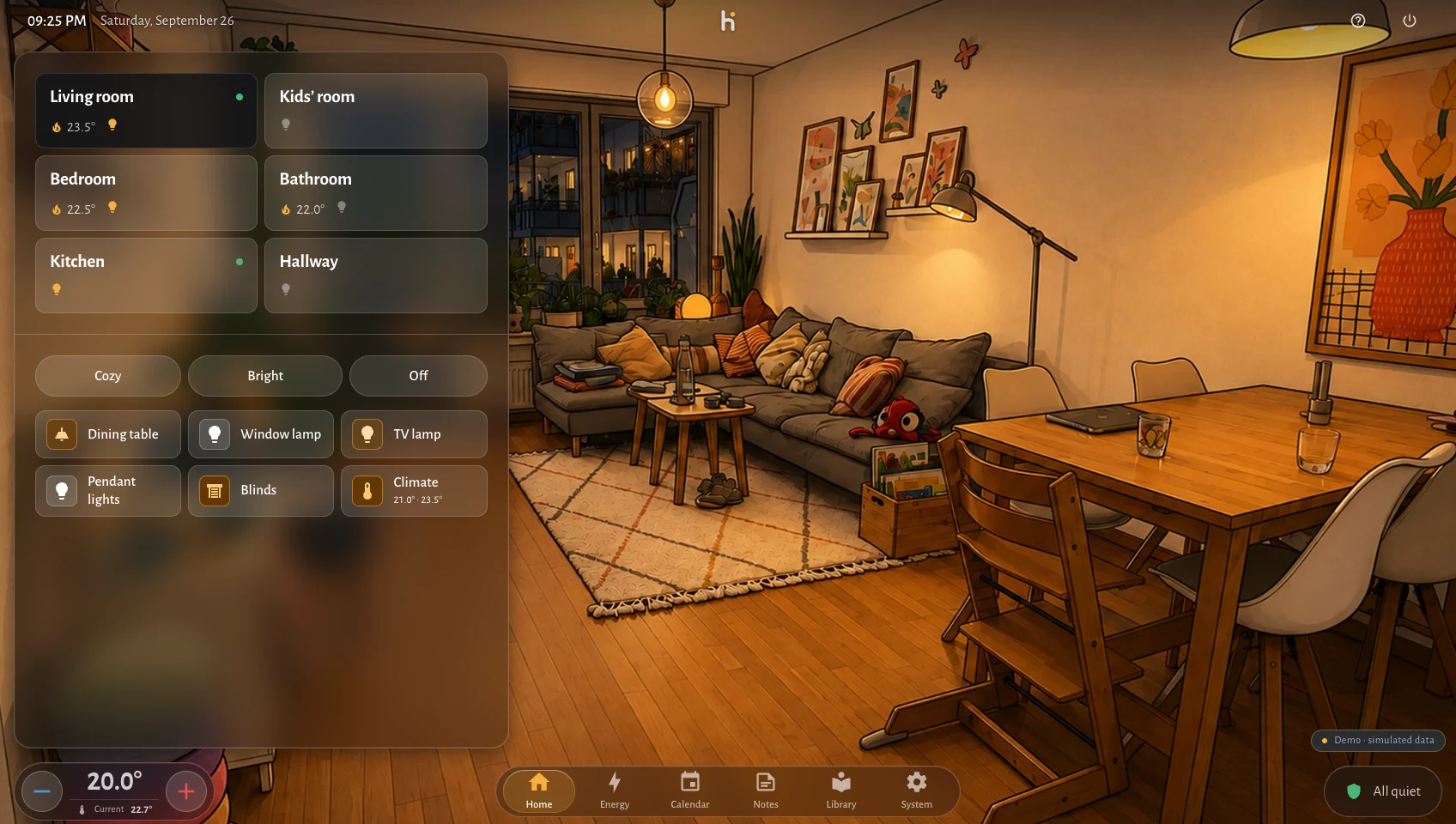
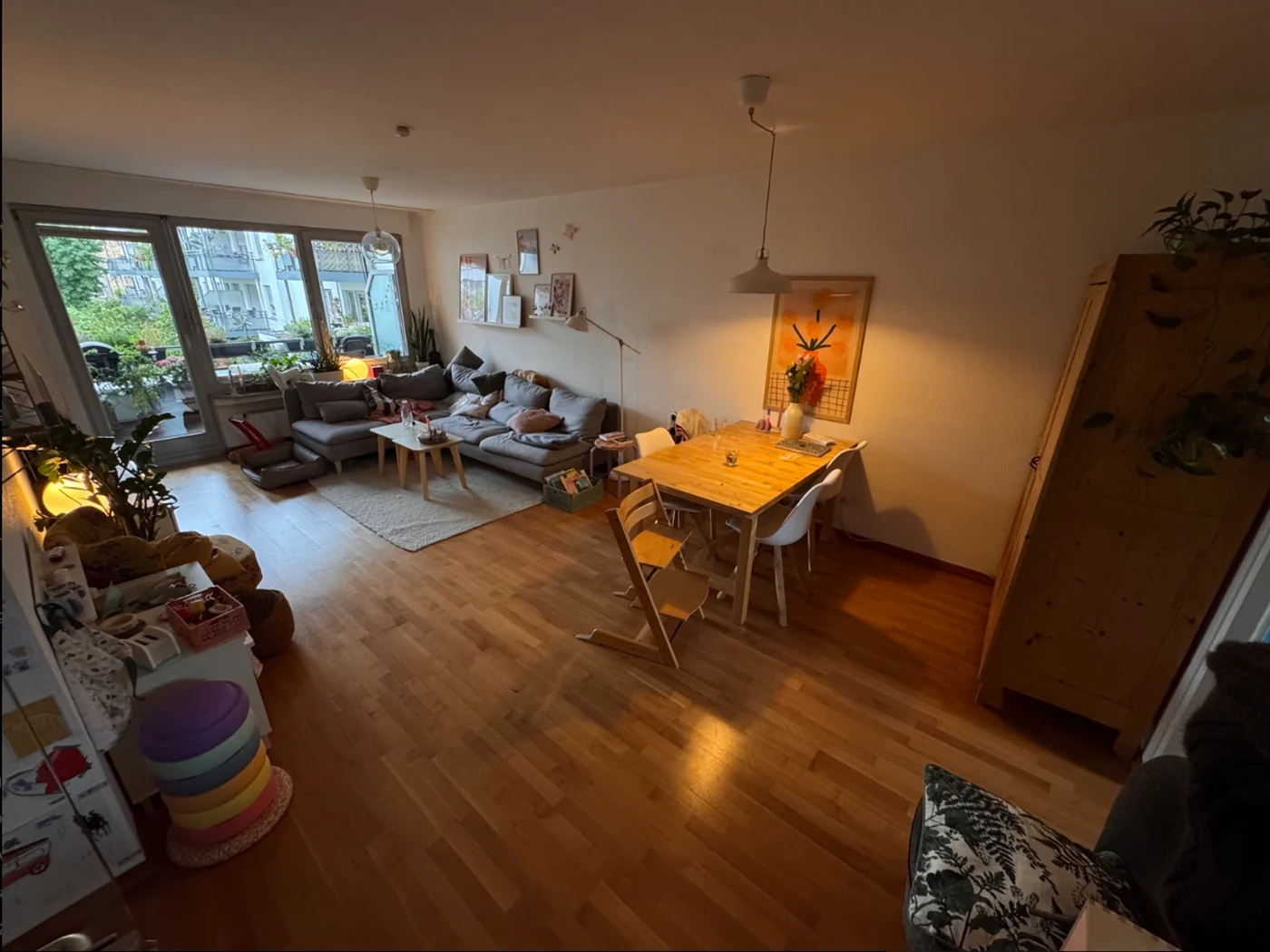
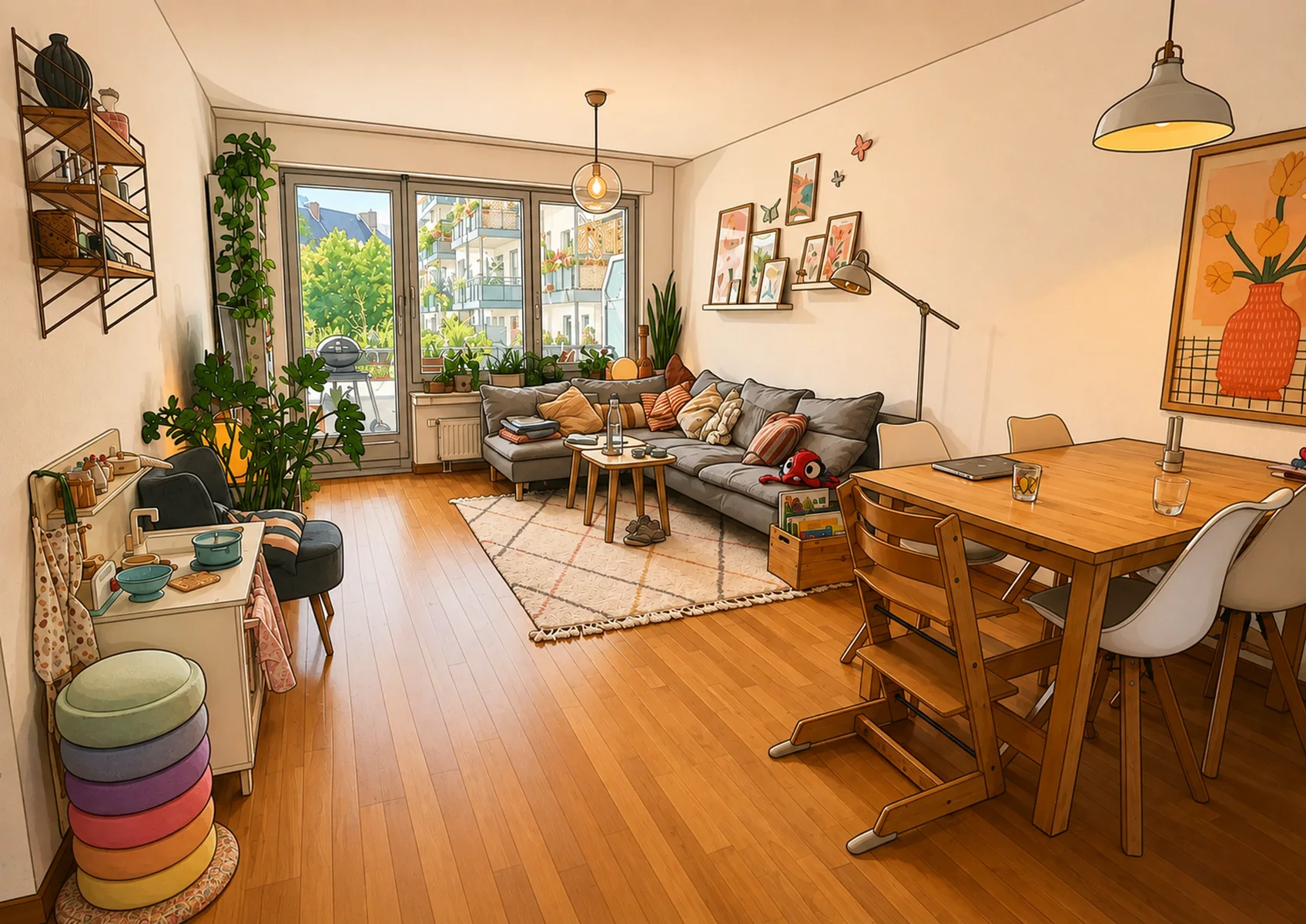
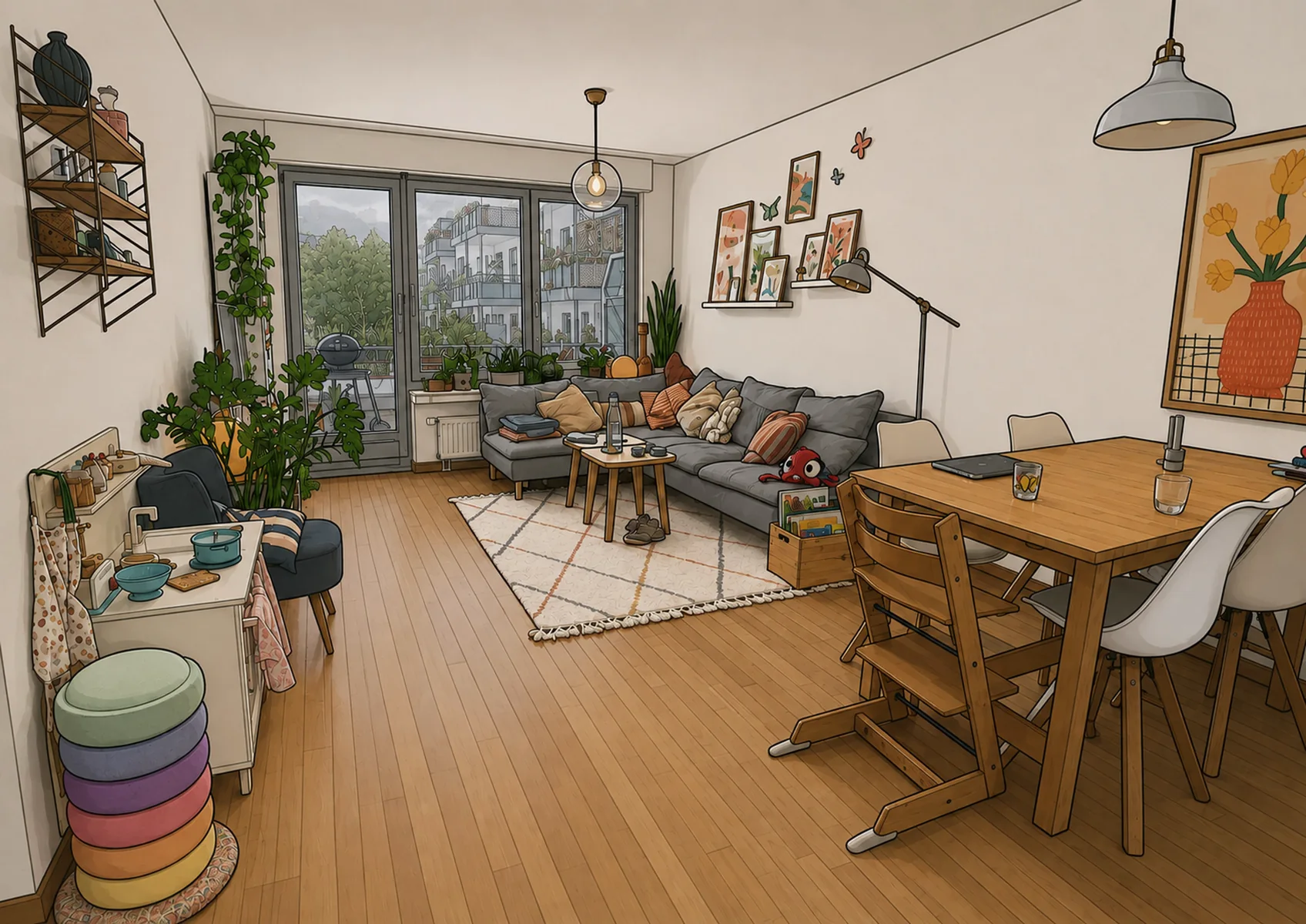
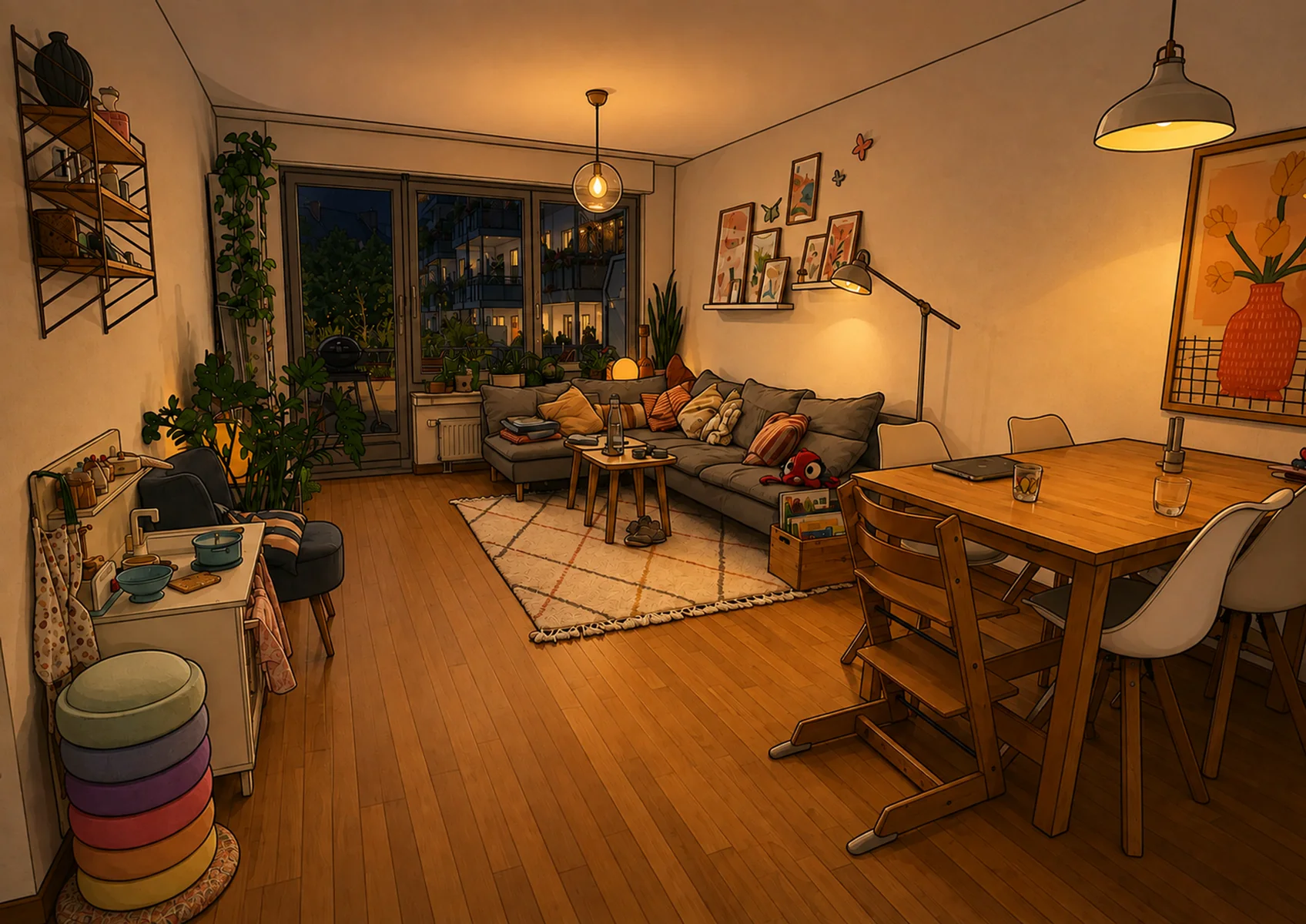
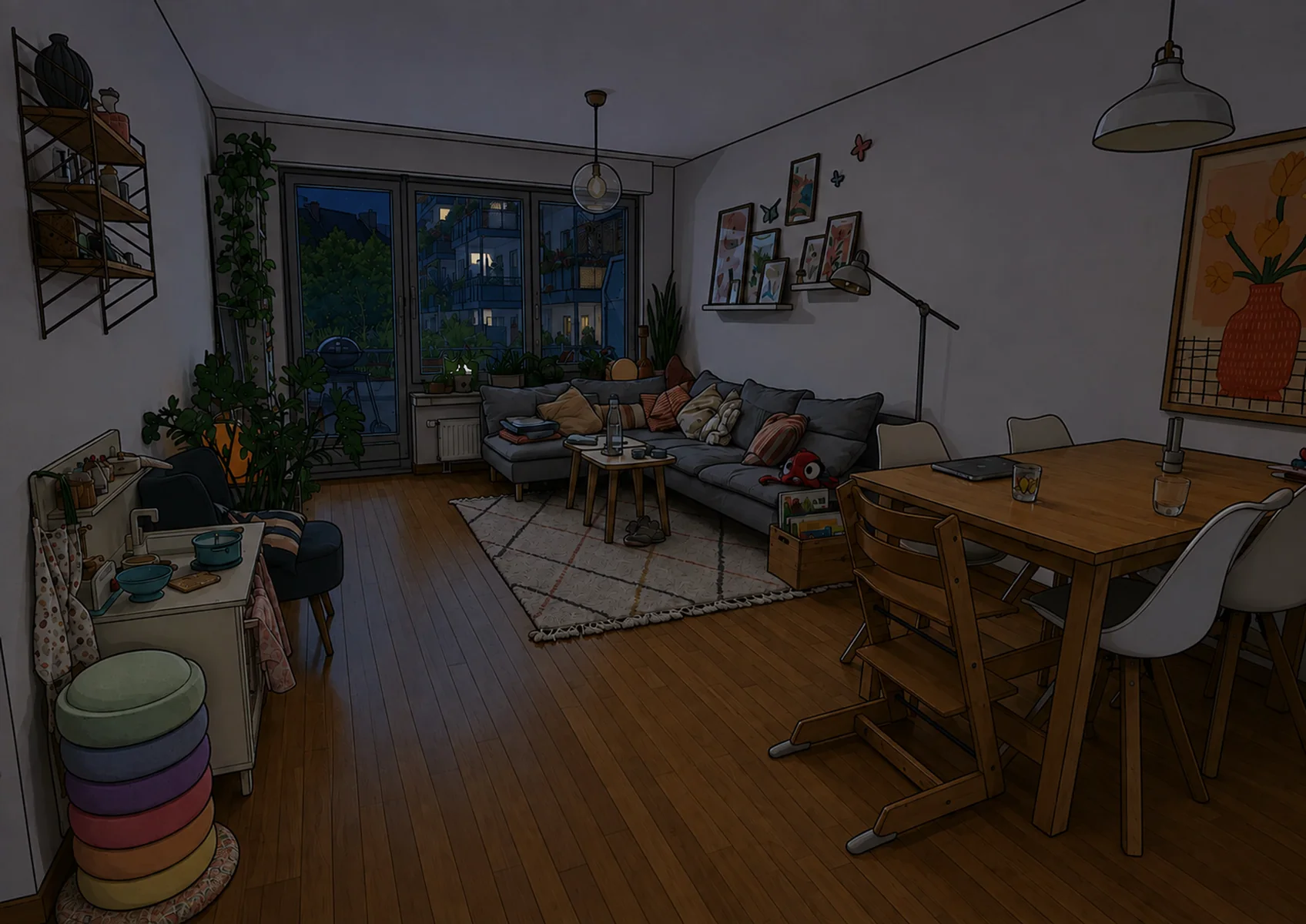
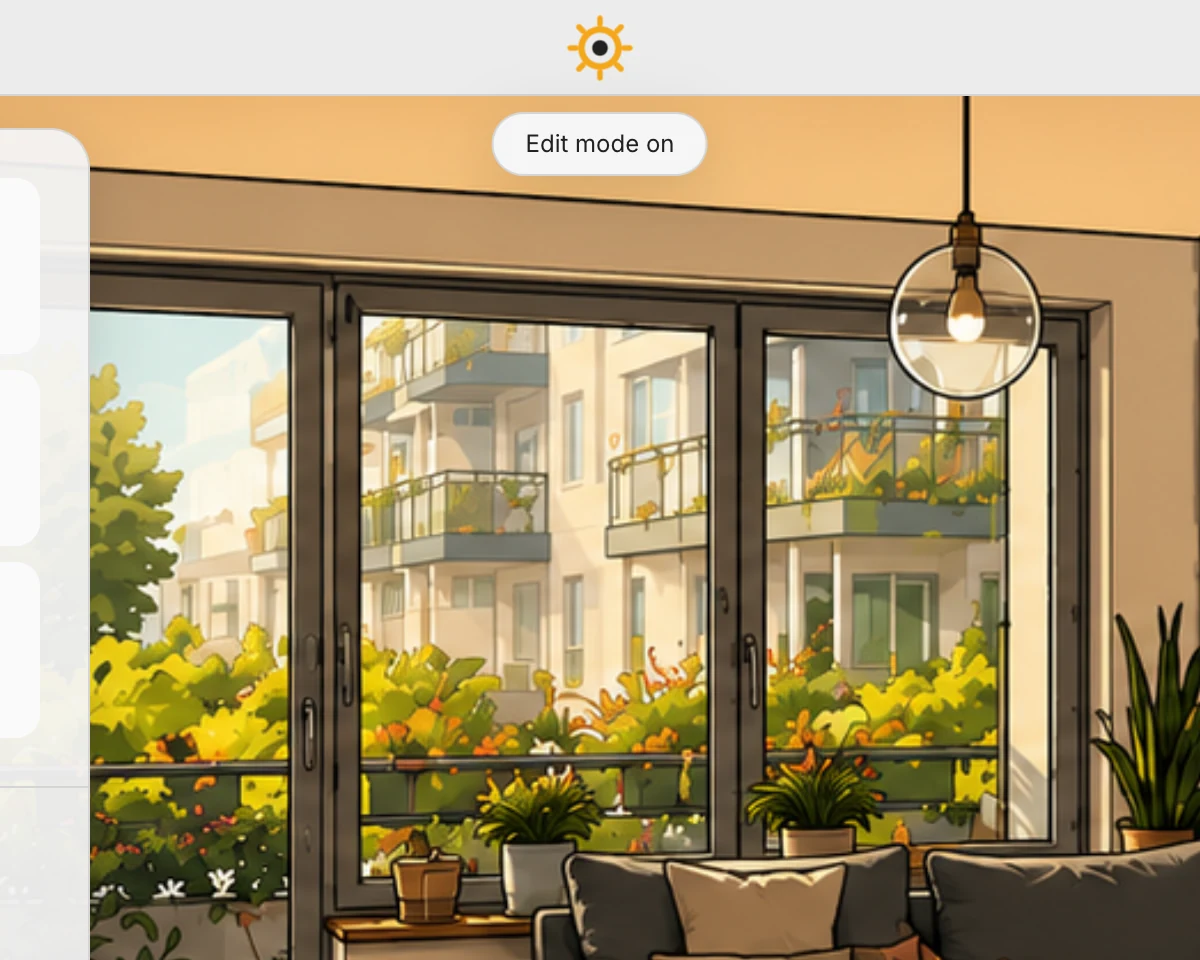
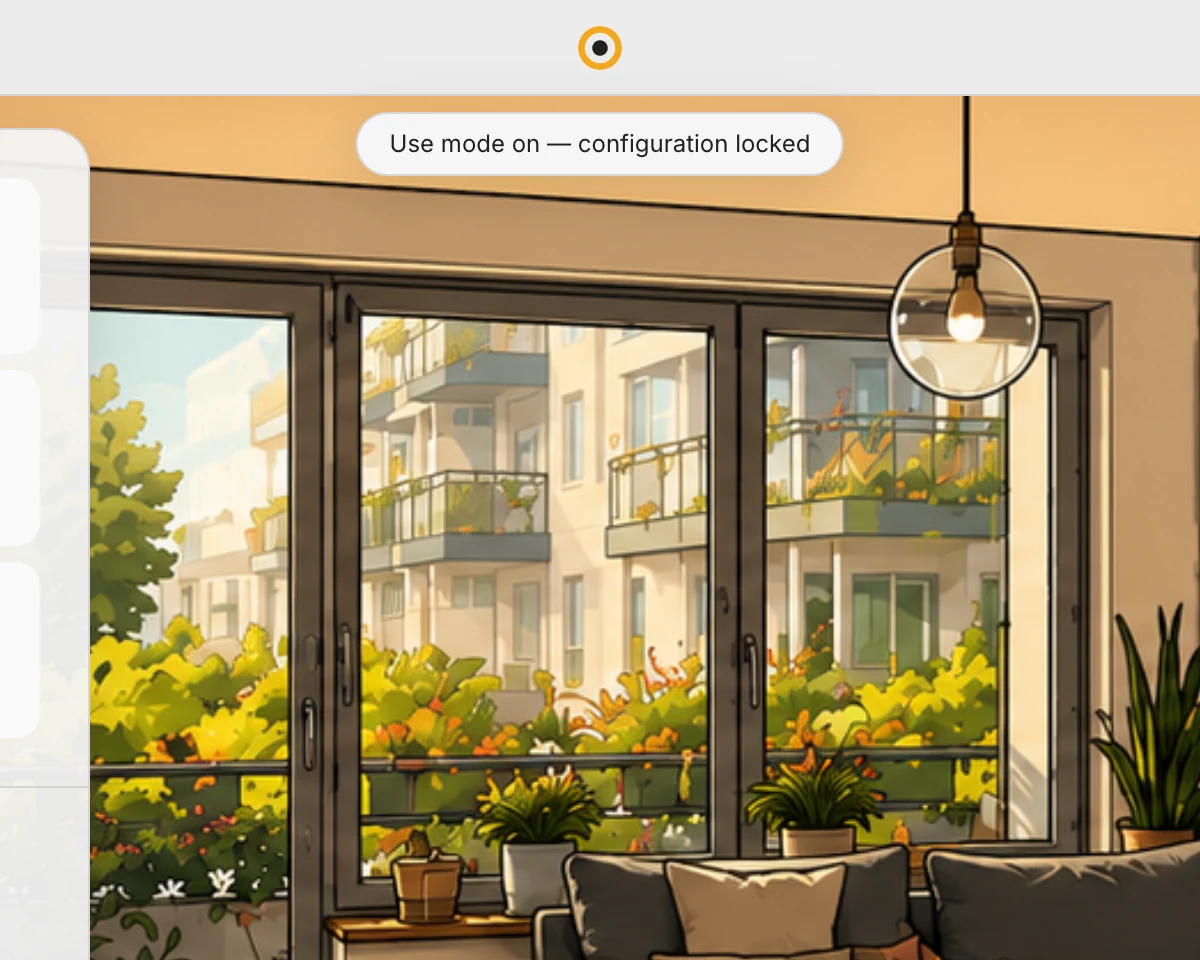
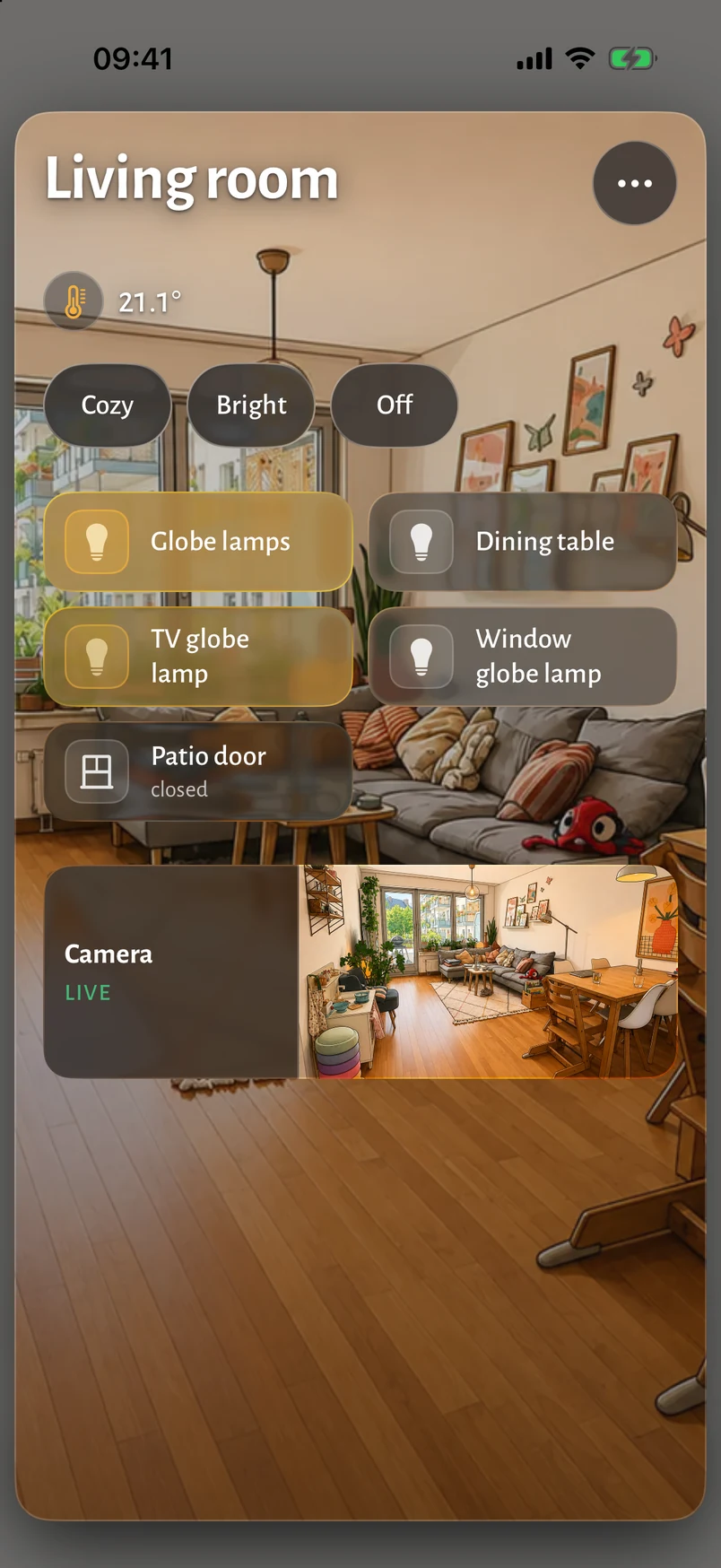
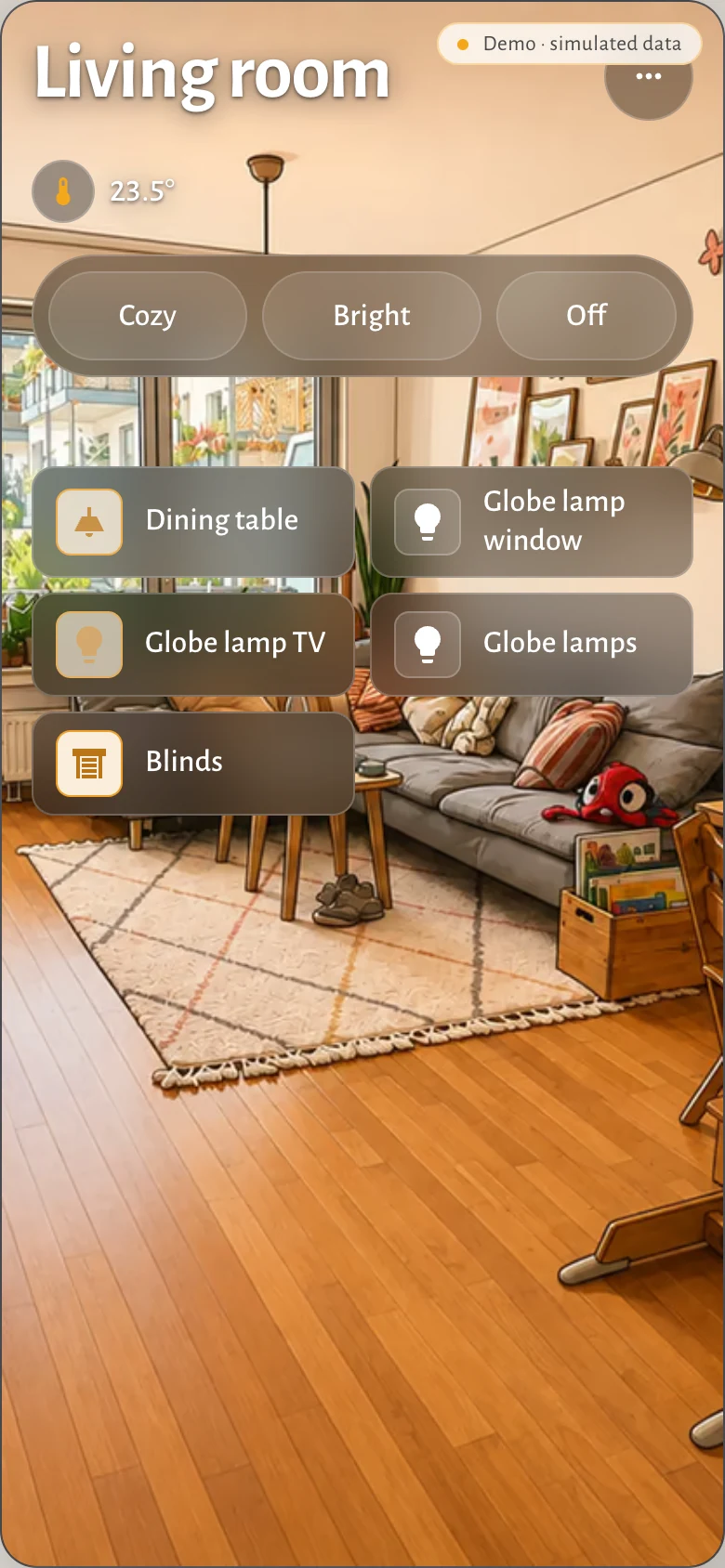
Every room carries an illustration of itself in three lighting states. Switch the lights and the picture follows, which turns a list of entities into somewhere you recognise.
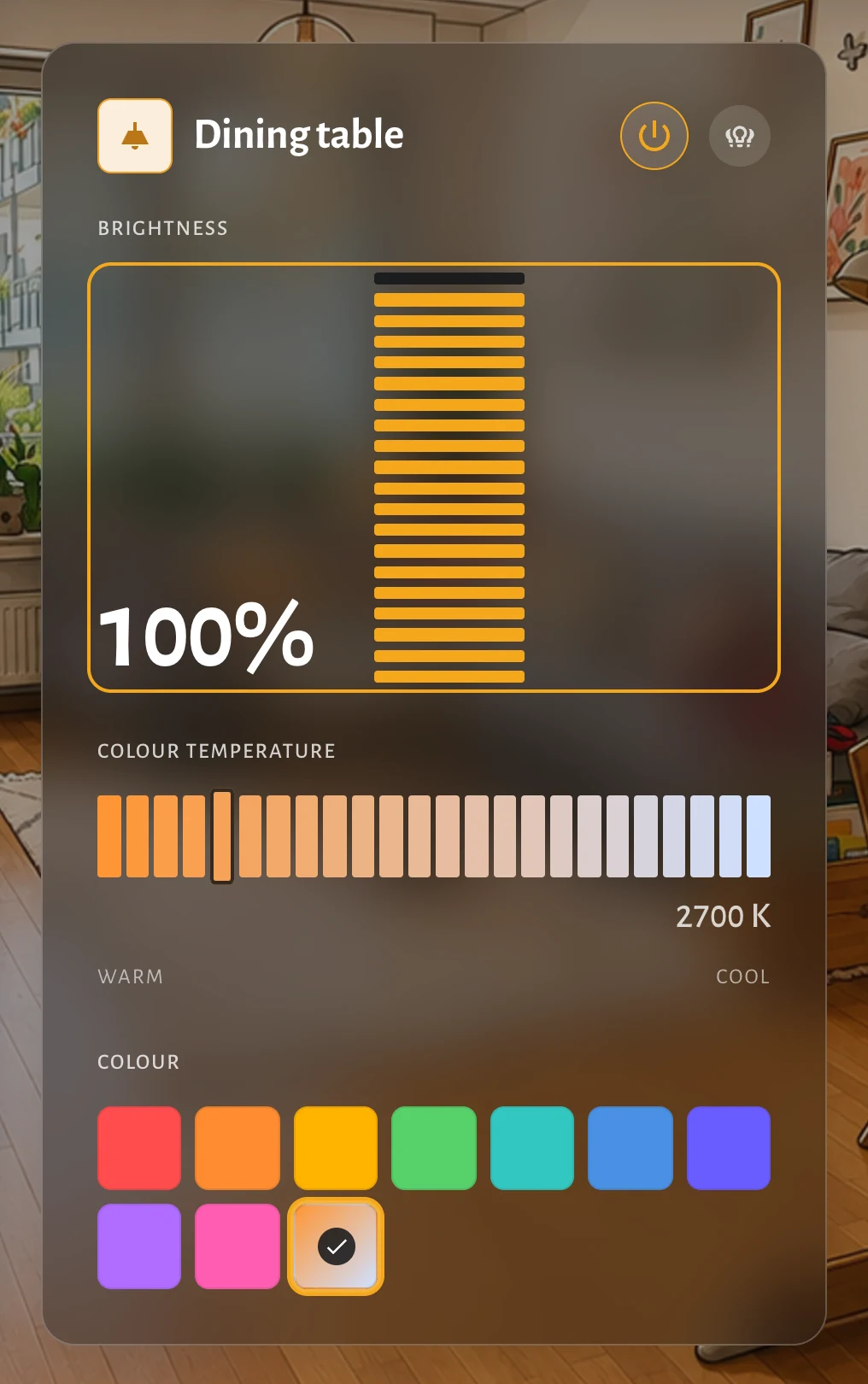
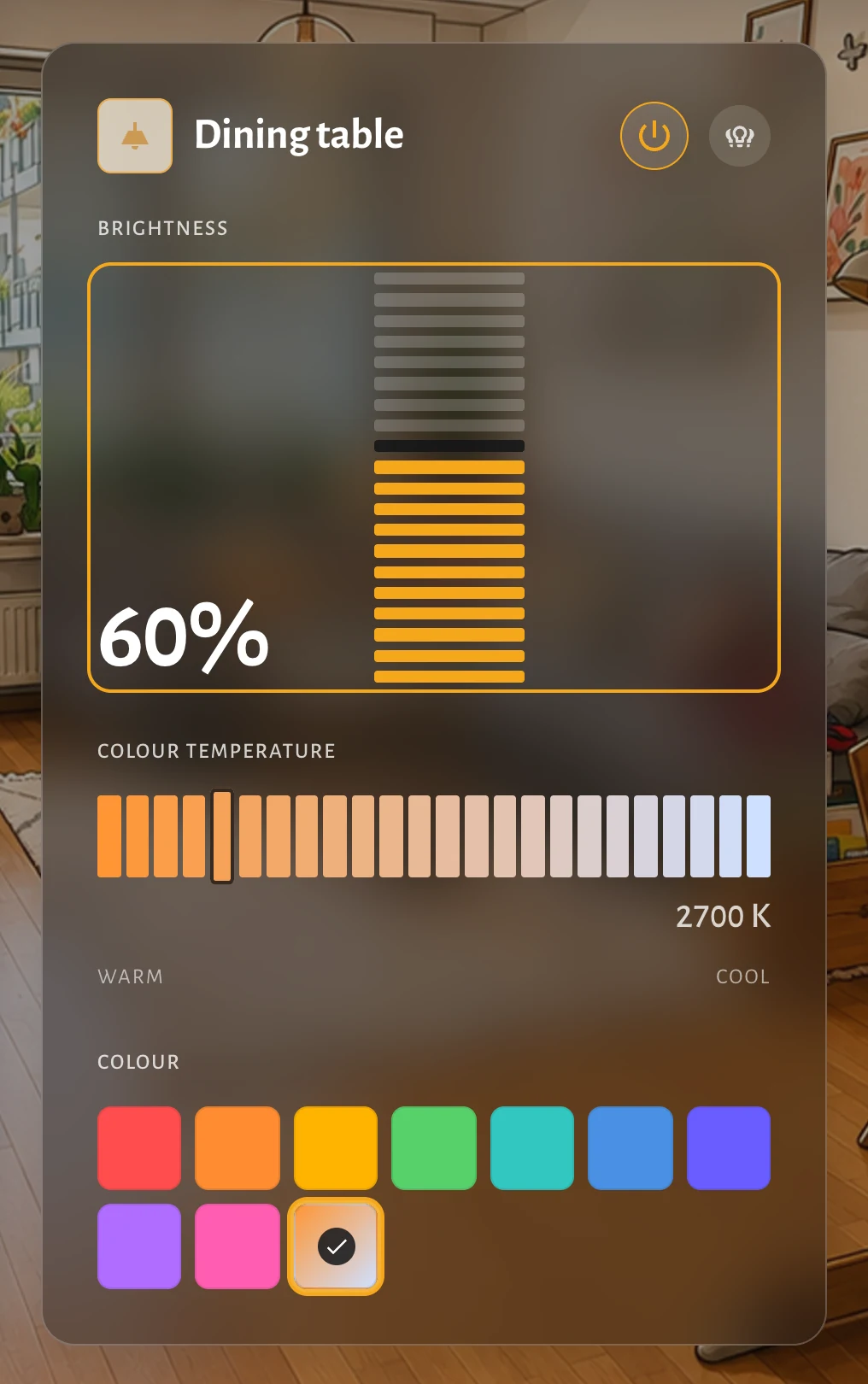
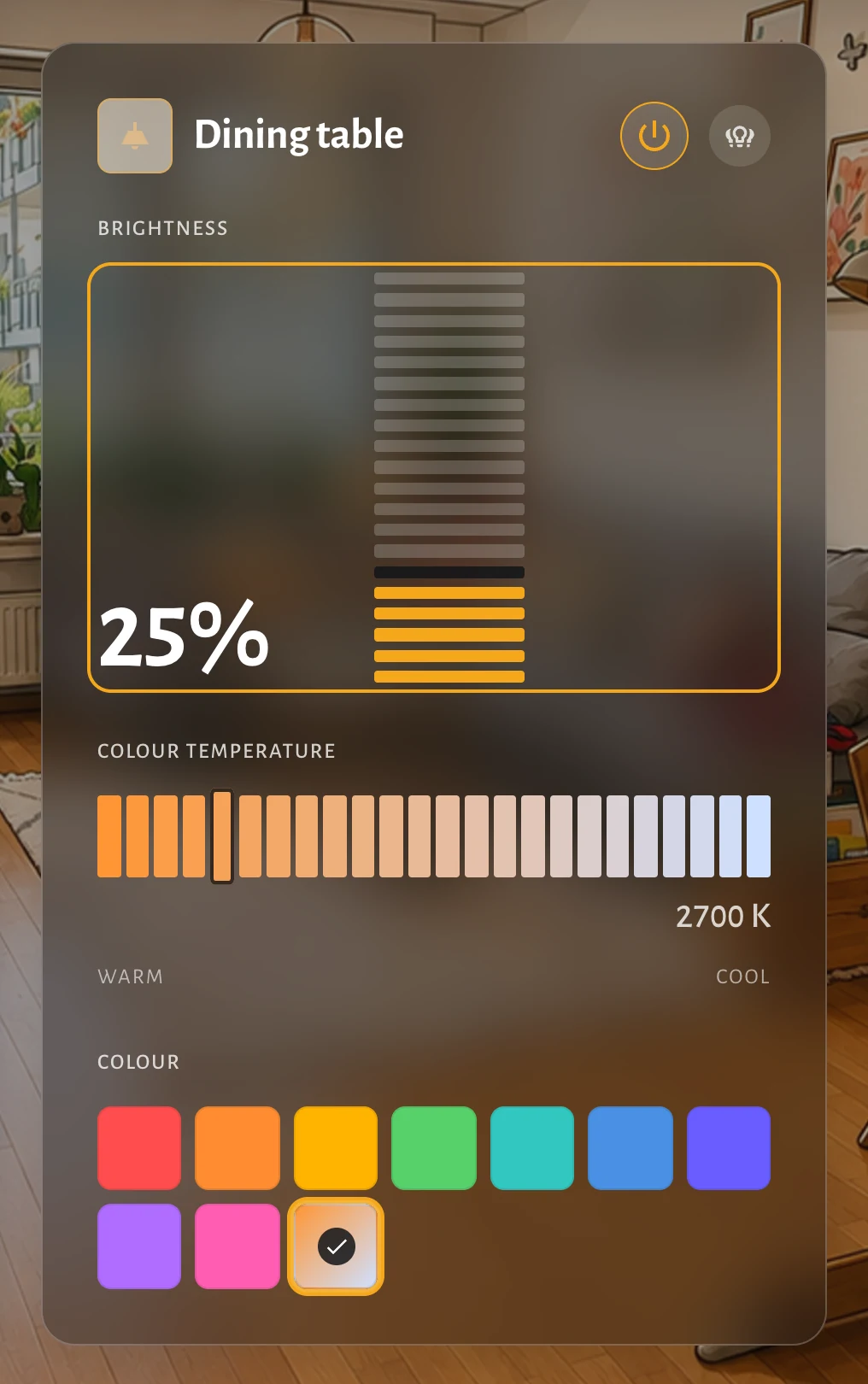
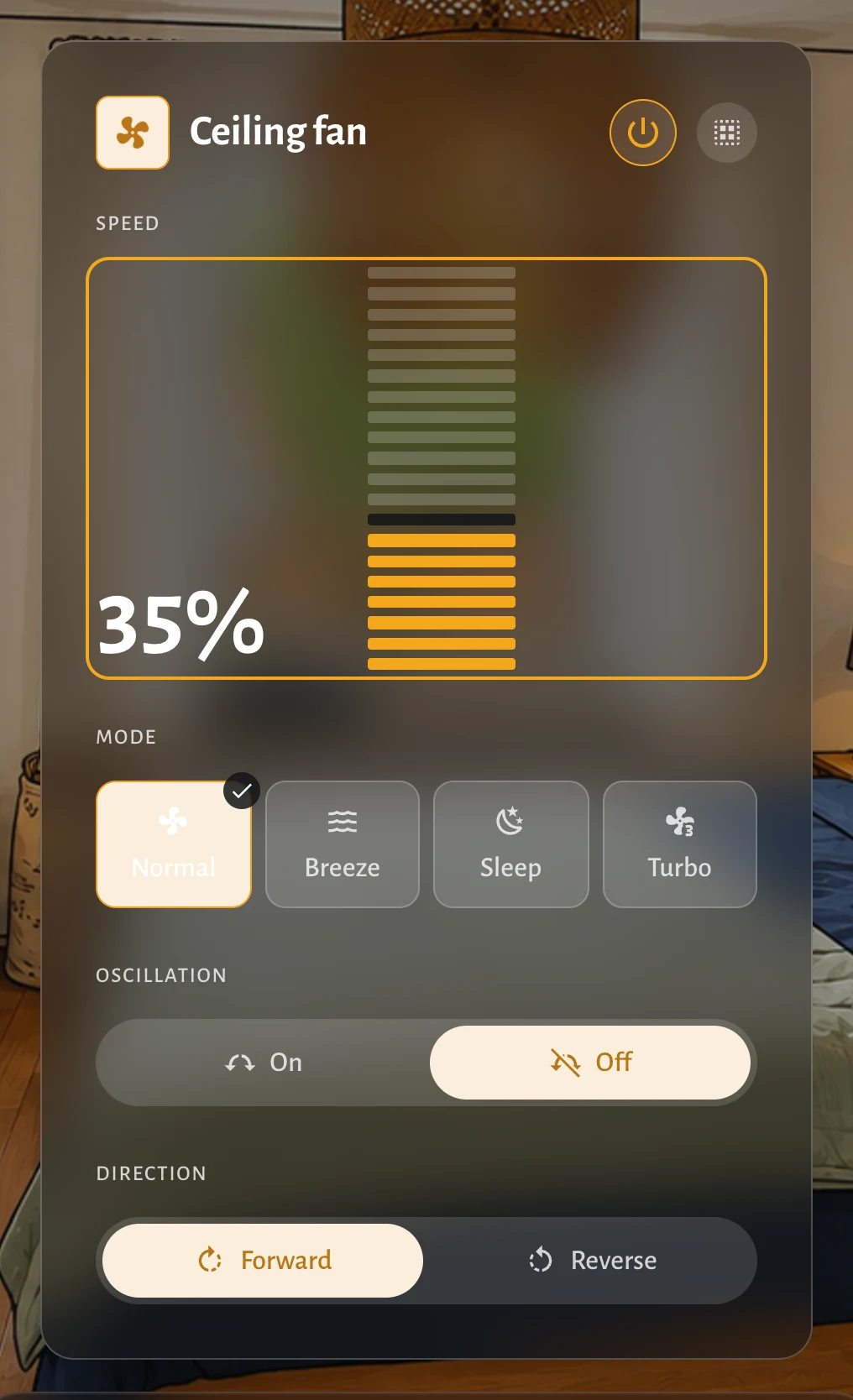
One or two compact control surfaces can keep independent room contexts while the full room illustration stays visible. Daily control does not turn the home screen into an administration grid.
The interface follows the sun through Home Assistant, shifting between light and dark without anyone reaching for a setting.
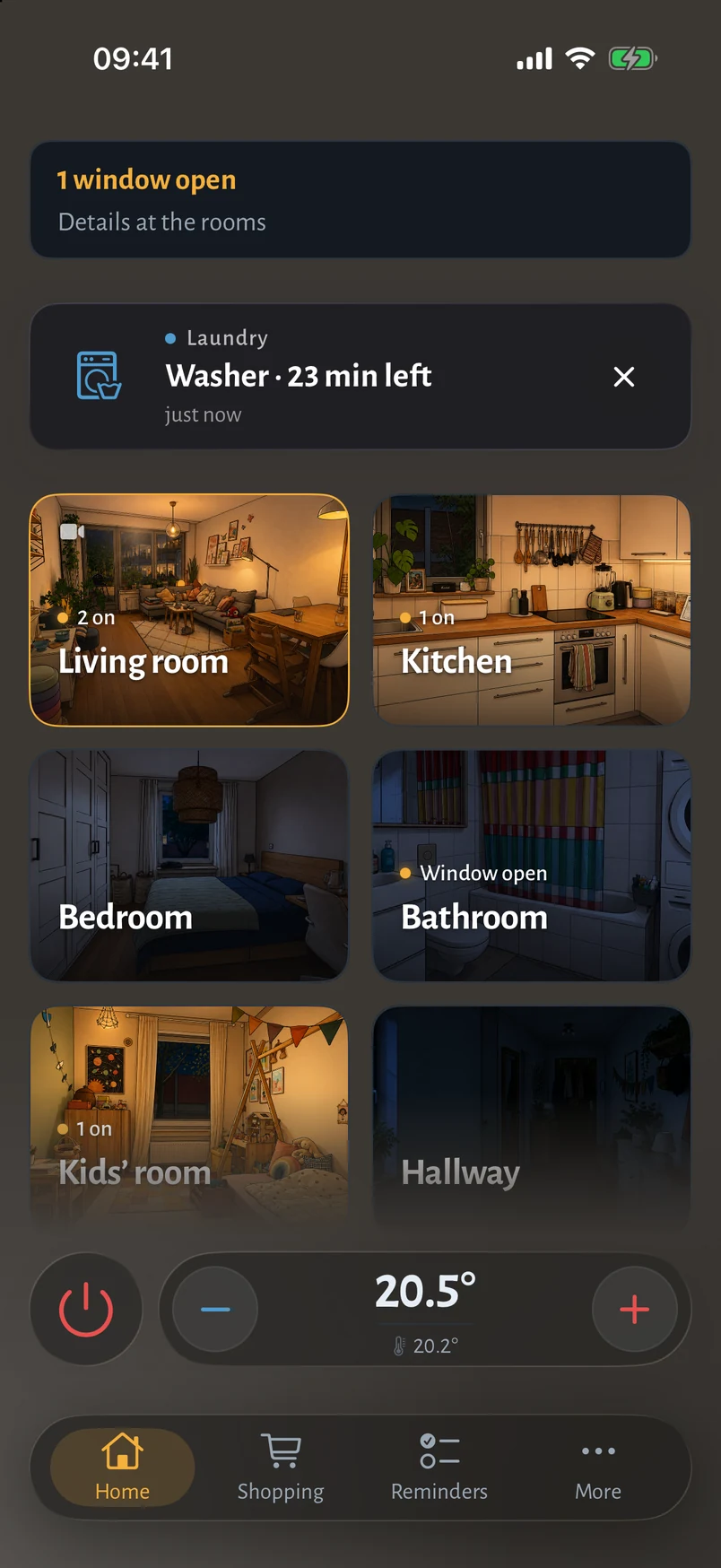
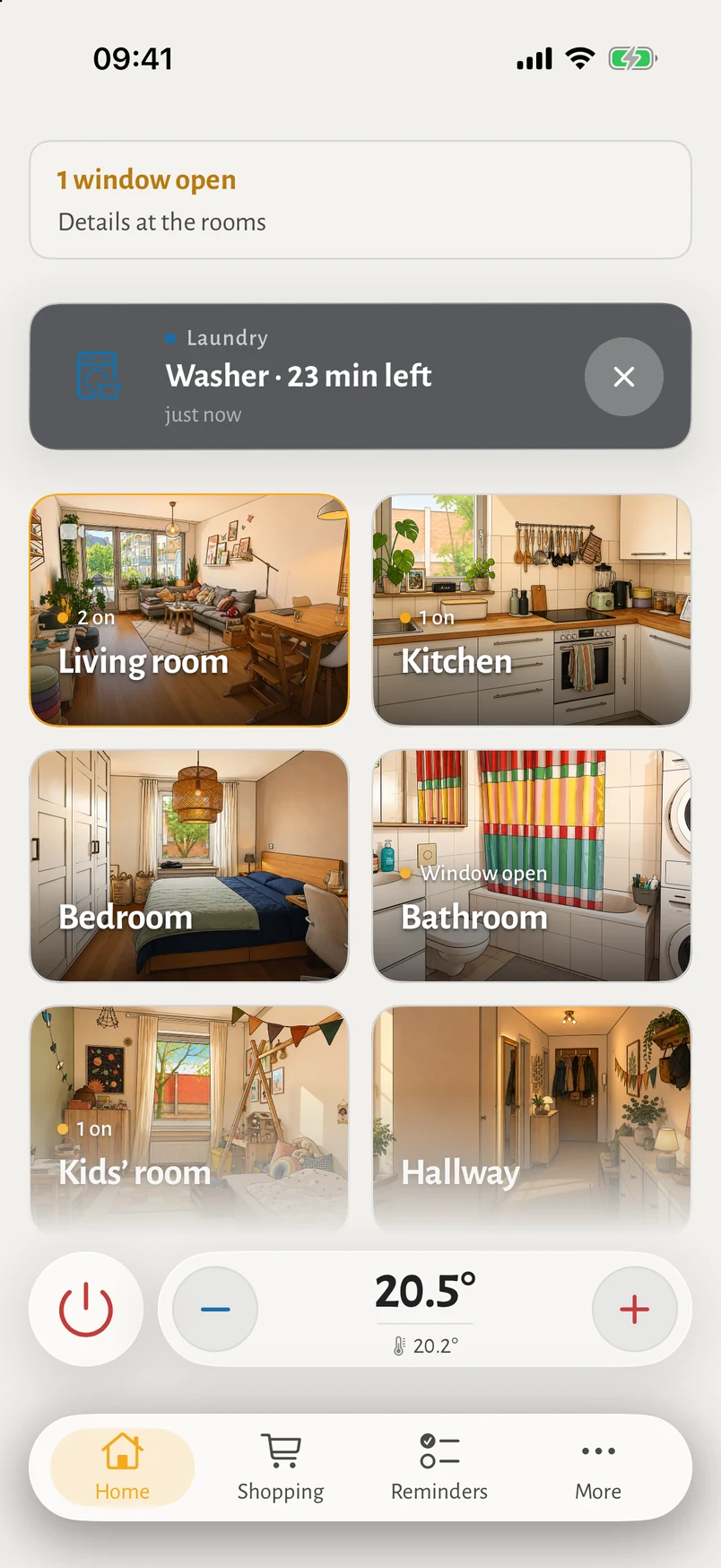
Washer and dryer report when they finish. The notification core is generic; laundry was simply the first thing worth being told about.
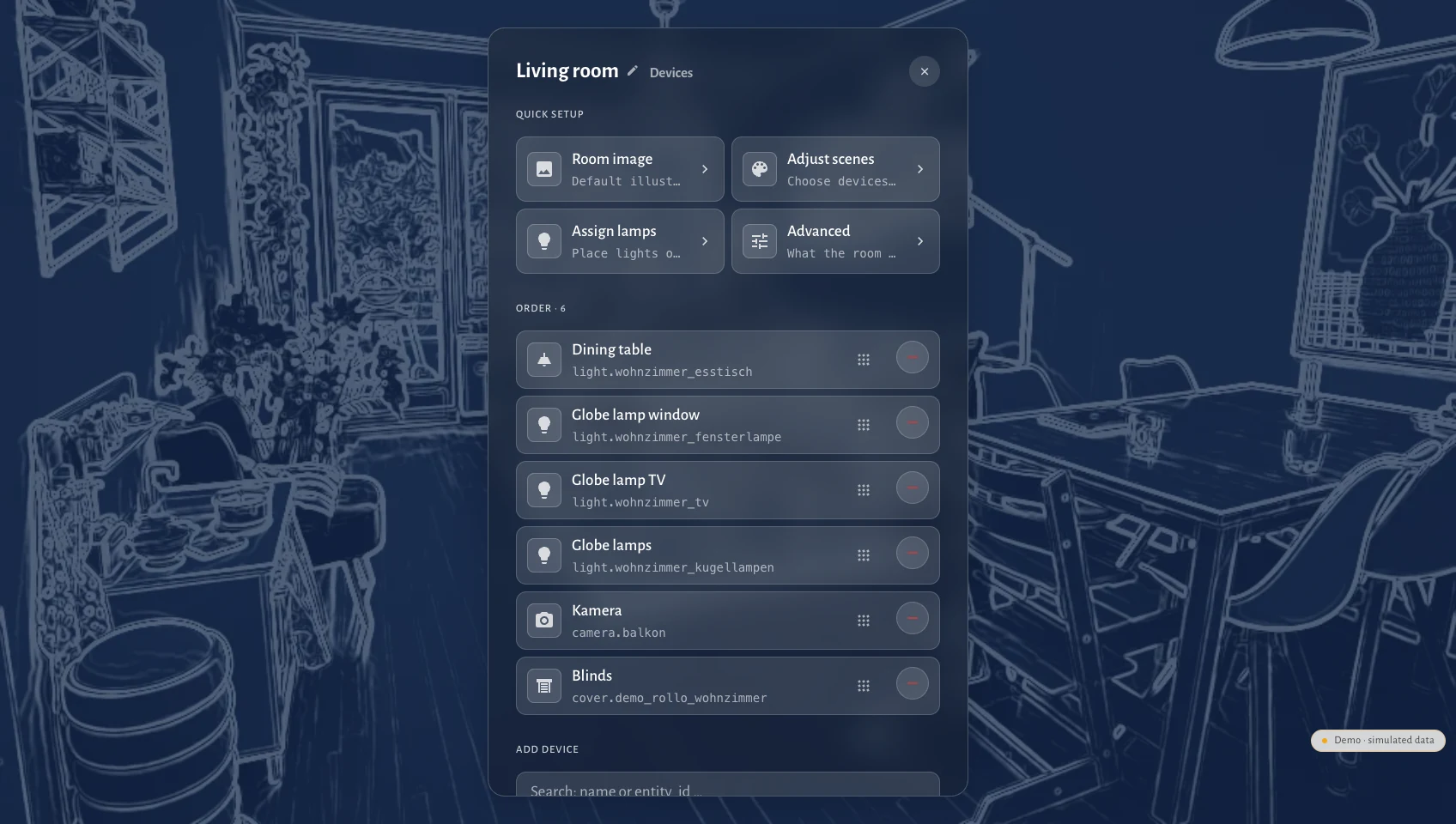
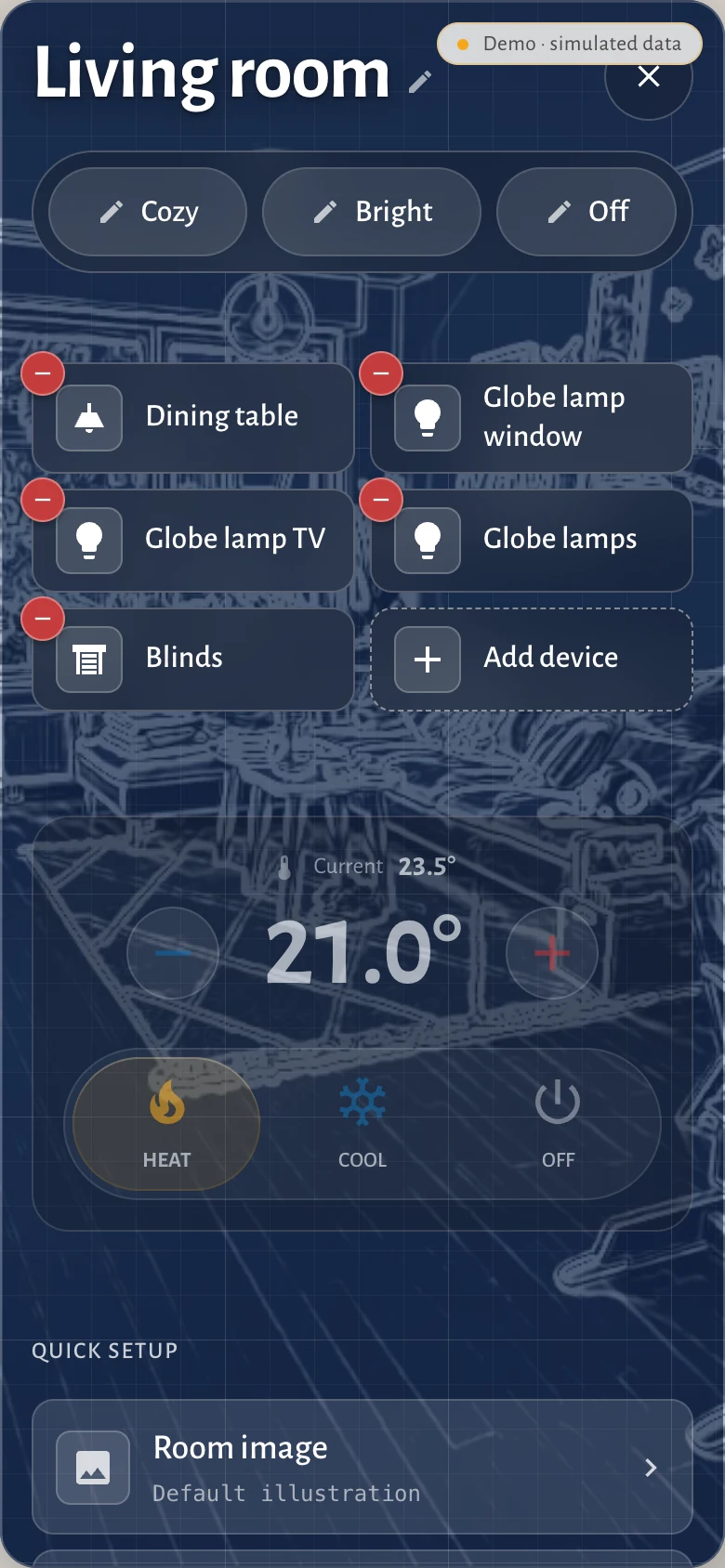
Entities can be added, hidden, renamed, assigned to a room and reordered from inside the interface.
Docker Compose starts a guided setup for Home Assistant, rooms and optional Jellyfin. The resulting configuration is versioned, validated and stored outside the application image.
Two shells
The phone layout is not a squeezed panel. Navigation moves to the thumb, rooms become a drill-down instead of an overlay, and the destinations you use most sit in the bottom bar in an order you choose. The tokens, motion and interaction rules stay identical.
Before you get excited
Hauser is an installable product in technical beta, built and maintained as a personal open-source project. It is not a commercial service and it does not come with a support promise.
The normal path is Docker Compose followed by the setup wizard. It scans Home Assistant, proposes rooms and devices, lets you correct the result and activates a validated configuration atomically. The clean-room gate proves that technical path; the beta still has to prove it with external people, different homes and release-to-release upgrades.
FAQ
A self-hosted, room-first frontend for Home Assistant, designed as a calm everyday interface for the household.
No. Home Assistant remains the automation engine and operator interface. Hauser connects to it for daily household use.
No. It is a standalone Svelte PWA that connects to Home Assistant through its WebSocket API.
Yes. The landscape panel shell is designed for wall-mounted tablets and kiosk use.
Yes. Hauser keeps everyday controls room-first and leaves administration to Home Assistant.
Yes. It includes separate panel and one-handed phone layouts that share the same design system.
Status
| Area | What works | State |
|---|---|---|
| Design system | Tokens, motion spec, component catalog | Live |
| Home Assistant | WebSocket, optimistic commands, reconnect handling | Live |
| Rooms & lighting | Climate, lights, scenes, presence, window state | Live |
| Jellyfin | Library, detail view, HLS playback with resume | Live |
| Energy | Live load, daily consumption, graceful empty states | Live |
| Device management | Add, hide, assign to room, reorder — in the UI | Live |
| Everyday screens | Calendar, notes, reminders, shopping, notifications | Built |
| Phone shell | Compact layout with reorderable navigation | Built |
| Onboarding | HA connection test, entity discovery, room editing and optional Jellyfin | Built |
| Languages | German, English, French, Italian, Portuguese, Polish | Built |
The real interface runs here against simulated devices, with no Home Assistant, Jellyfin or private household data behind it.