
Edit and use mode
One mark in the middle of the title bar carries the mode. Set it up once, then hand the panel to the household.
 |
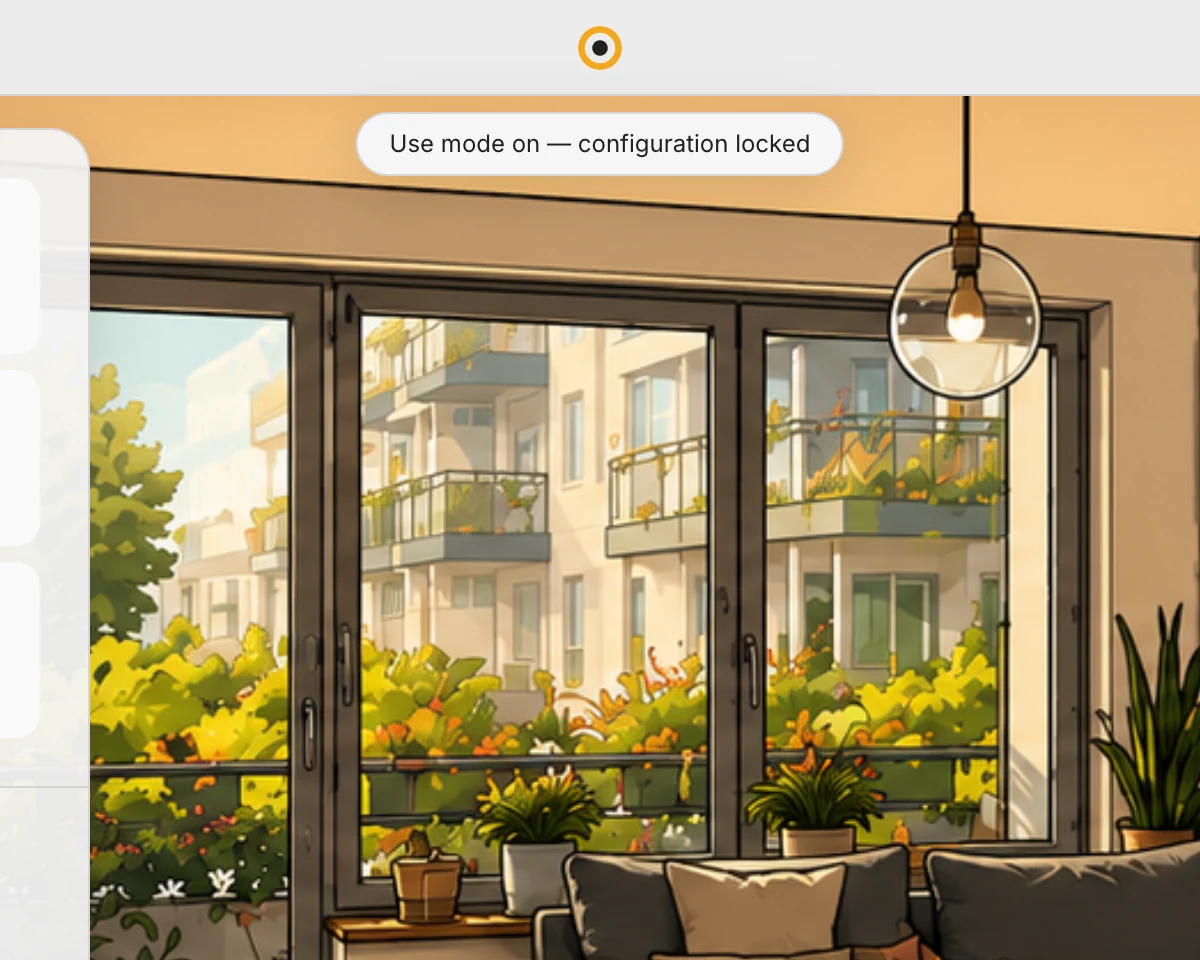 |
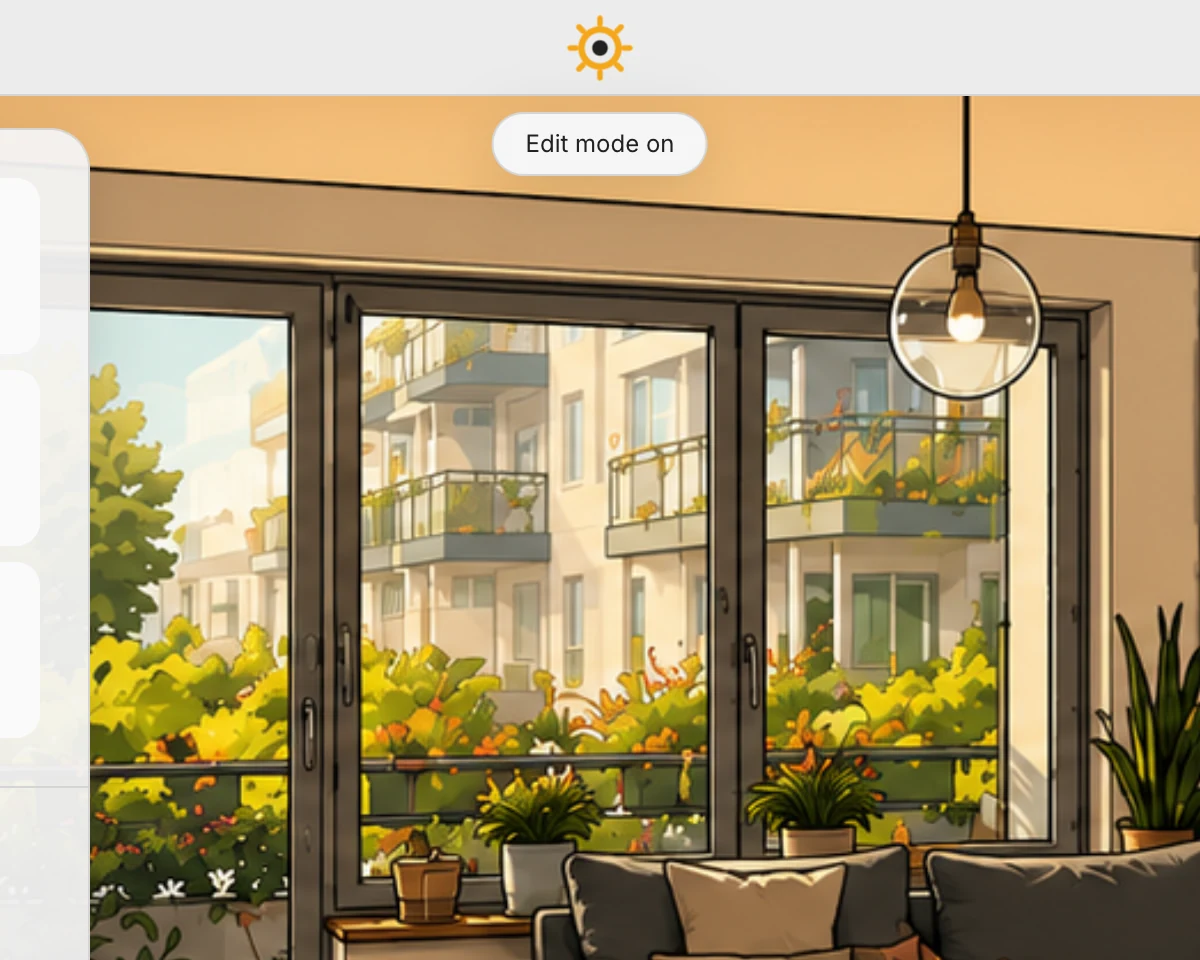
| Edit – rays on the mark. A long press opens configuration. | Use – the same mark one step calmer. Every control keeps working. |
Edit mode
Section titled “Edit mode”Long presses open configuration: the layout menu, the room device editor, the scene editor, the central climate settings.
Use mode
Section titled “Use mode”Configuration doors are closed. Lights, scenes, climate, blinds and everything else stay fully operable, including a long press on a light for brightness. Someone who only wants to operate the panel cannot break anything.
If a locked long-press is tried twice within thirty seconds, a line under the mark explains where the switch is. Once might have been an accident.
Automatic lock and PIN
Section titled “Automatic lock and PIN”Settings → Appearance → Interface & controls:
- Return to use mode automatically sets how long the panel waits before it falls back into use mode.
- Protect edit mode with a PIN guards the way back to editing.
Per device
Section titled “Per device”The mode belongs to the device, not the household. The hallway panel can be locked while your own phone keeps configuring.